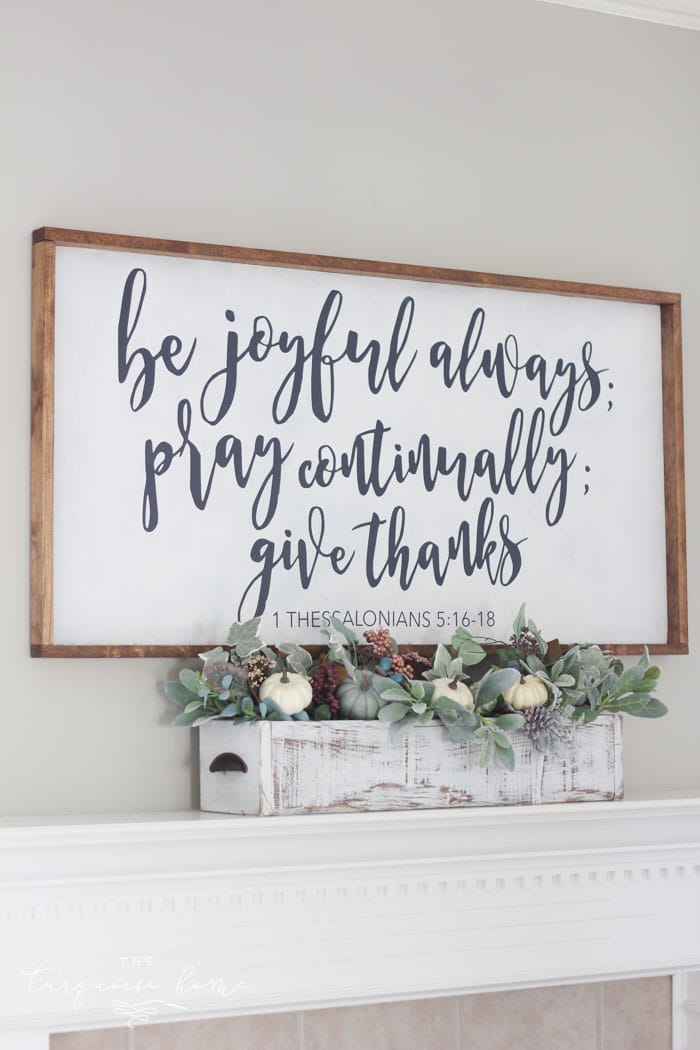
This detailed guide to making large DIY wood signs walks you through every step clearly. With a few supplies from the home improvement store, plus stencils and paint, you can create any DIY project you have in mind!
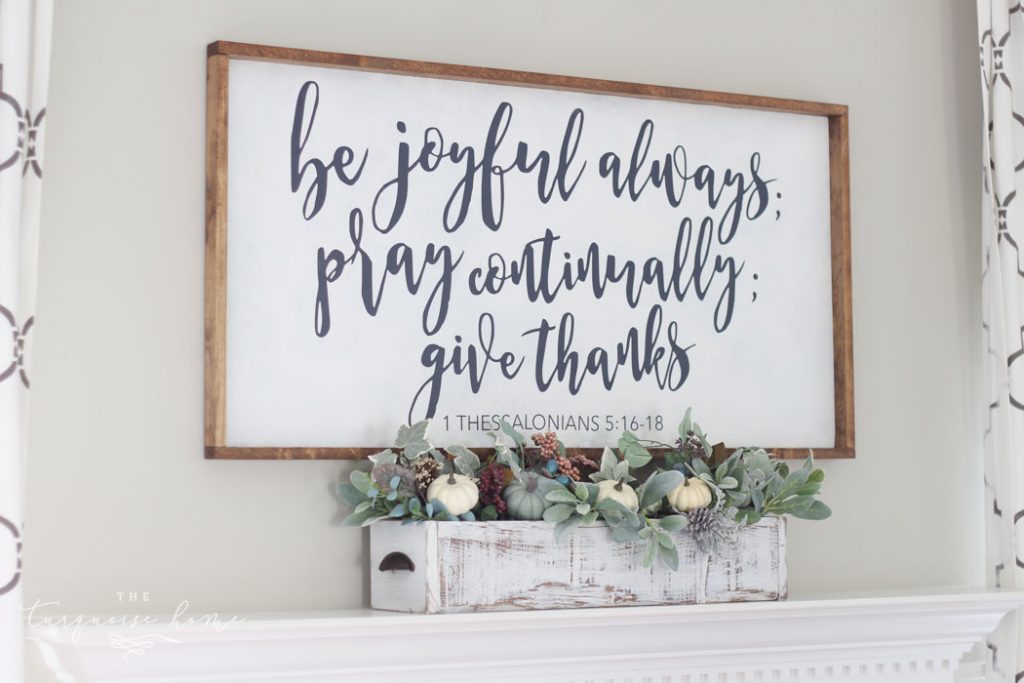
Making wooden signs is what today is all about. I'll admit I spend a lot of time staring at the big, hand-painted signs that decorate beautiful homes on Instagram.
The trouble is, I'm not willing to pay $300+ for one. That just isn't going to happen.
That's especially true when I can make one myself for less than the price of plywood, some 1x2 boards, paint and a vinyl stencil.
I should say that I used my Silhouette Cameo for this project. It isn't cheap, but it's well worth the investment if you plan to make more than one DIY wood sign. (See my other Silhouette projects here.)
The Cameo plus the rest of these supplies still costs about as much as one sign. So if you end up making just two signs (or a whole stack of them), the investment will pay off.
When I pictured my fall mantel this year, I knew I wanted a super large wooden sign with a saying on it. I skipped the usual cute fall phrases like "hello fall" or "it's fall y'all." I wanted something more inspirational and subtly autumnal.
So I chose a scripture verse and laid it out in PicMonkey (a super easy online design tool) before doing anything else! I'll walk you through every step so you can make your own.
Supplies for Making a Large Wooden Sign with a Saying
- A large piece of 1/2 inch plywood, cut to the size you need.
- 2 paint colors (one for the background and one for the letters)
- Paintbrush
- Silhouette Cameo (I've listed other options below if you don't have one yet. But I strongly recommend getting one!)
- Contact paper or adhesive vinyl – (If you use contact paper, I find Duck brand works best.)
- Silhouette brand transfer paper
- Mod Podge
- Brad nailer – Hot glue works too if you don't have a brad nailer!
- 1 x 2 board, cut to the length you need to frame your plywood
Steps to Make a DIY Wood Signs
Time needed: 3 hours
Step 1. Get your plywood.
I had a leftover piece of 2 x 4 plywood from another project, and it was perfect for my sign! If you don't have one lying around, just head to the hardware store and grab one!
You'll want a 1/2 inch thick piece. Mine was 1/4 inch, which I don't recommend because it was hard to nail the frame into it. Cut it down to size from the large board with a circular saw or jigsaw. Or even easier, ask the home improvement store to cut it for you!
Step 2. Paint your sign.
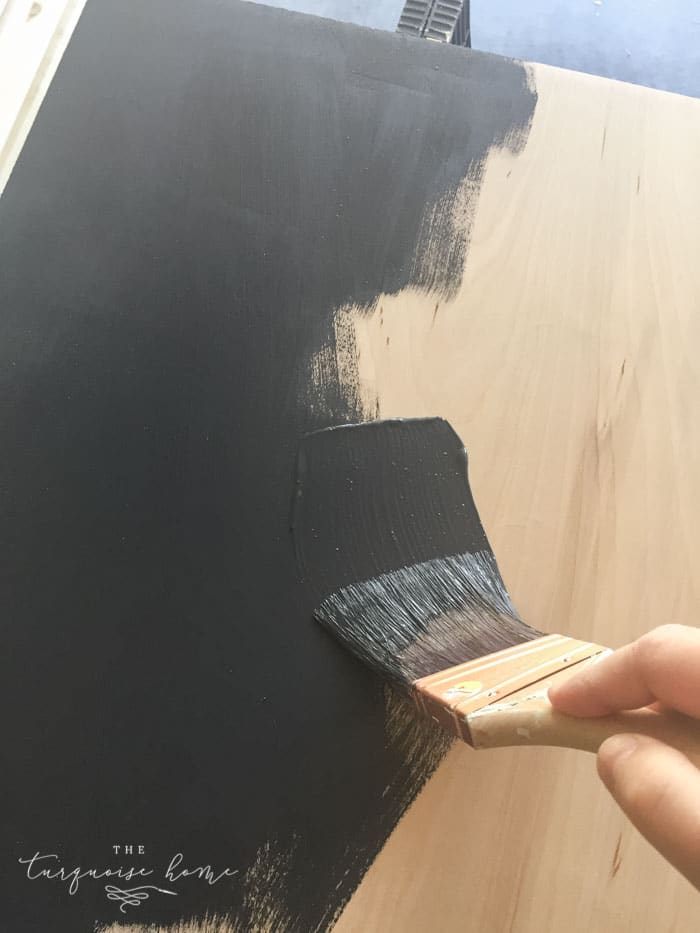
If you're making yours with a stencil like I did, paint the board the color you want your letters to be. If you plan to paint the letters directly onto the board, paint the board in the background color. I chose Hale Navy by Benjamin Moore for my letters.
Step 3. Create your design
I measured my board and then used PicMonkey to build my design. Since my board was 2 feet by 4 feet, my graphic was 1000 pixels by 2000 pixels.
I used a pretty script font (Midnight) and wrote out everything exactly as I wanted it. I saved it as a JPG. I've shared my design as a free printable HERE!
Step 4. Import the design into Silhouette Studio & create a cut file
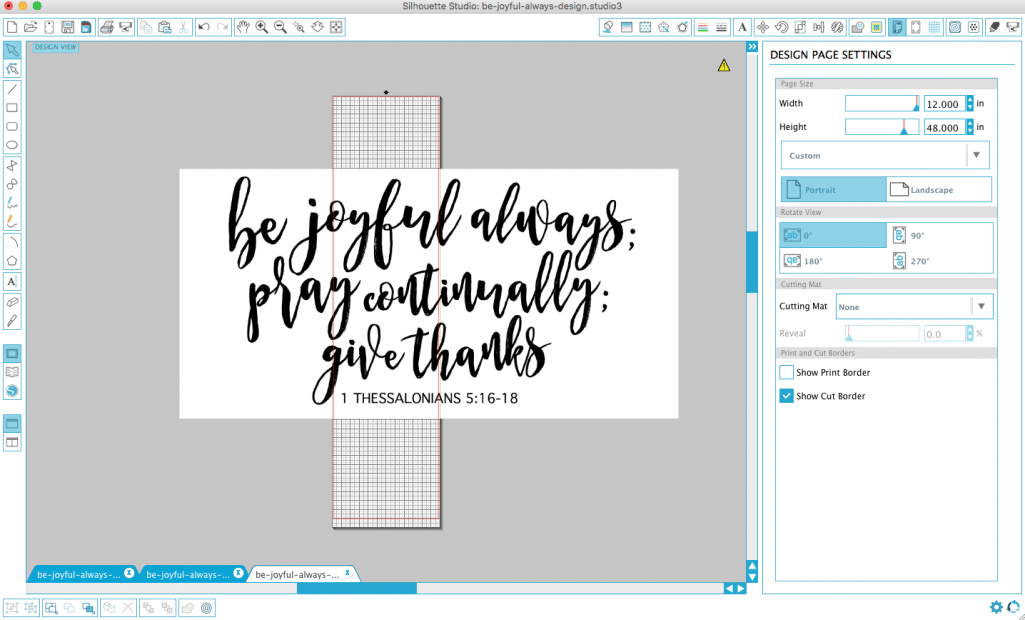
I opened Silhouette Studio on my computer and then opened my JPG design in the software. I followed this video to convert my design into a cut file. Watching it is much easier than my trying to explain it.
Once you have your cut file, arrange it the way you want it cut. I ungrouped my design and cut one line at a time, except for the last line and the scripture reference, which fit together on one line.
TIP: Size your cut file to match your board. My board was 4 feet long, so my stencil needed to be long enough to cover it. Since my Silhouette can only cut a 12-inch-wide piece, I had to cut one line at a time, as I mentioned before.
I won't go into too much technical detail about the Silhouette, because honestly mine is a very old model. There are newer cutting machines and different brands than mine, so if you're stuck, just search Google. There are tons of video tutorials out there.
If you don't have a Silhouette machine, you can freehand a design if you're good at drawing. You can also use a projector, like this one, to project the image onto your board and trace it before painting. Or have an Etsy shop (like this one) cut a design out of vinyl for you and use my method. There are plenty of ways to make wood signs without a cutting machine.
Step 5. Cut your stencil.
I use Duck brand contact paper for my stencil, but you can use any vinyl with an adhesive backing.
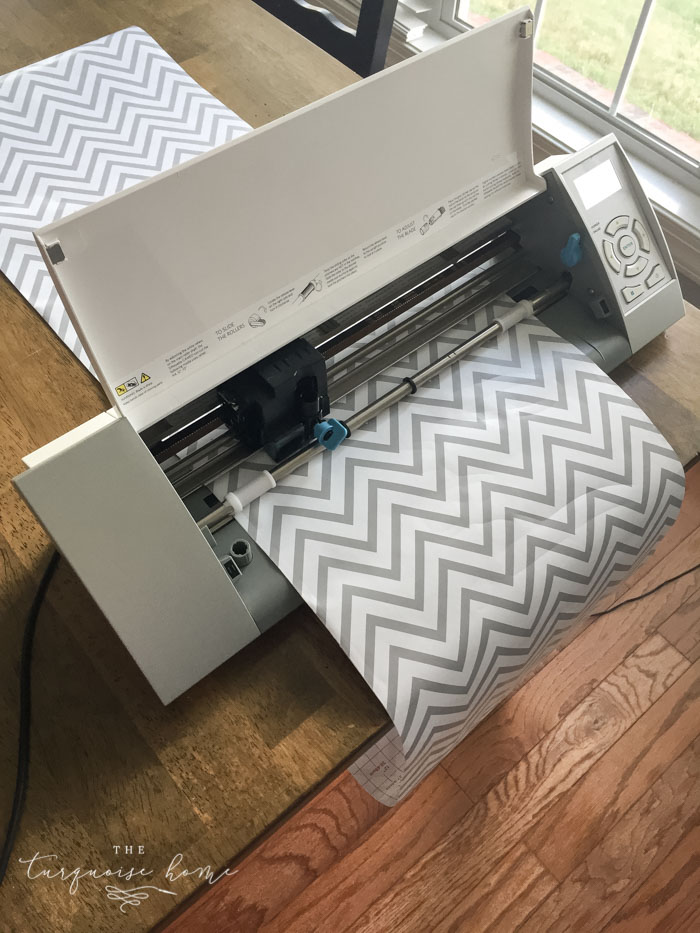
I used the cut settings for Silhouette brand vinyl and they worked great. But always do a test cut first.
Again, if this is your first time using your Silhouette, just search for whatever tutorial you need. You'll find one!
Step 6. Weed your stencil
This just means removing the parts of the contact paper you won't use. For this project, keep the letters intact on the paper and remove the surrounding paper.
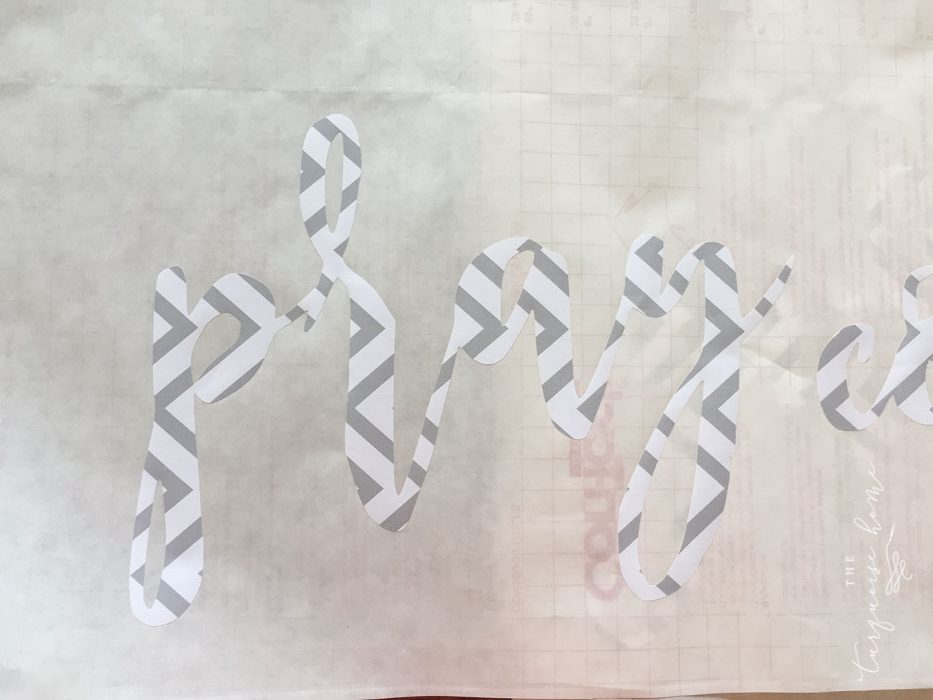
Step 7. Place transfer tape over your letters, then set them on the board where you want them.
Take your transfer tape and peel off the non-sticky backing. Press the sticky side down over your letters and rub them with a credit card or another hard object so they stick well.
Lift the letters off the contact paper sheet and place them on the board where you want them. This takes a bit of time because you want everything exactly right.
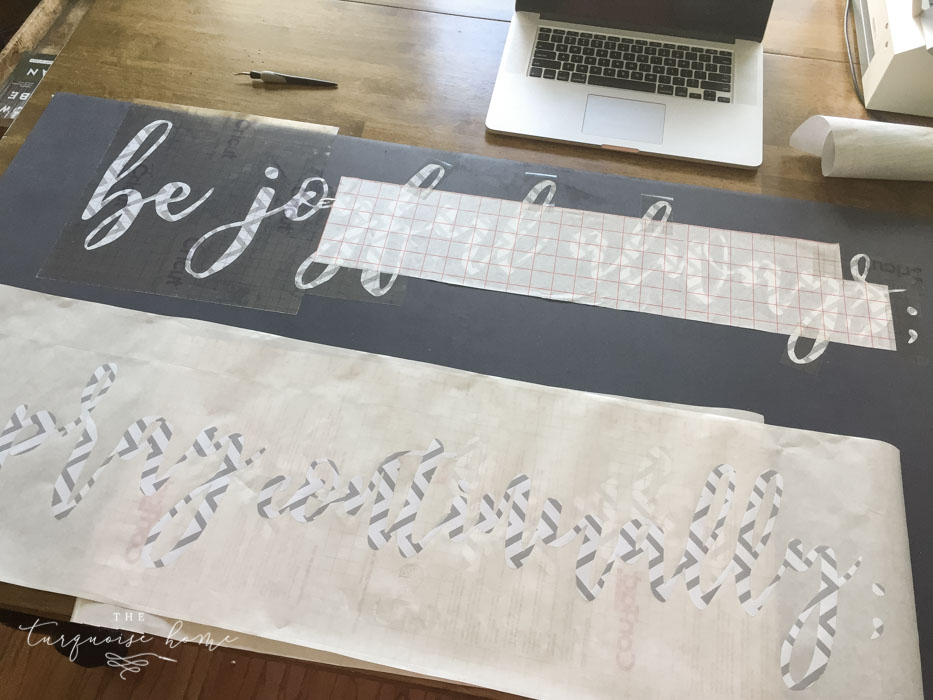
The contact paper wasn't very sticky, and some of the transfer paper I had was extremely sticky, so getting the letters to stay on the board was tricky. In the end I used my Silhouette brand transfer paper, since it worked best.
Step 8. Seal the letters with Mod Podge
I brush clear, matte Mod Podge over each letter. This seals the edges of the contact paper and helps prevent bleeding under the letters while I paint over them.
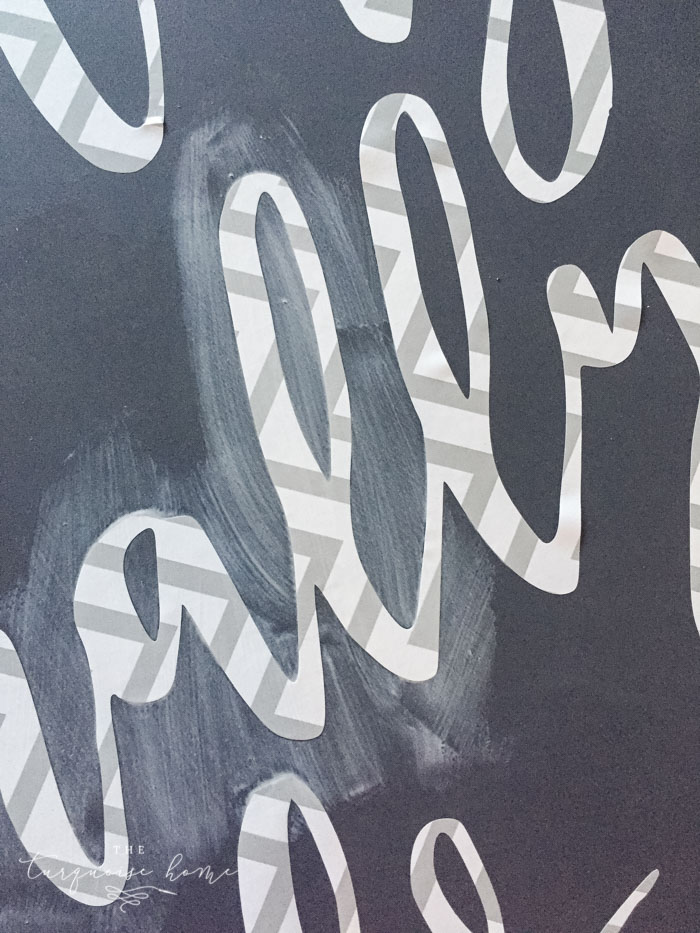
Step 9. Paint over the letters in a different color.
I chose a chalky paint called Amy Howard's One Step Paint in Bauhaus Buff and applied one light coat.
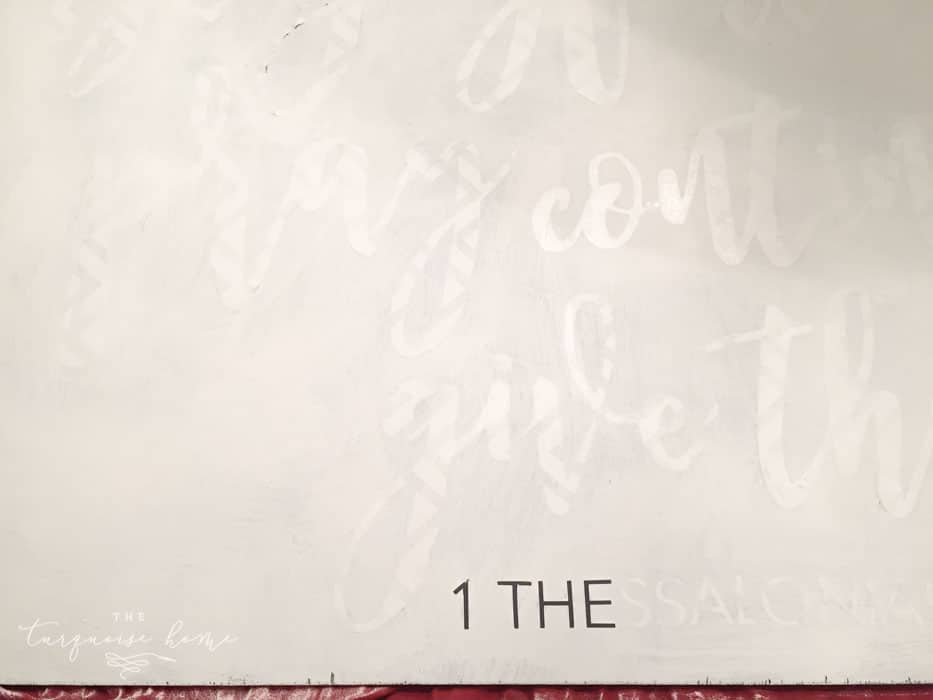
Once the paint has dried, peel off the adhesive letters to reveal the paint color underneath! This is my favorite part.
Step 10. Build the frame
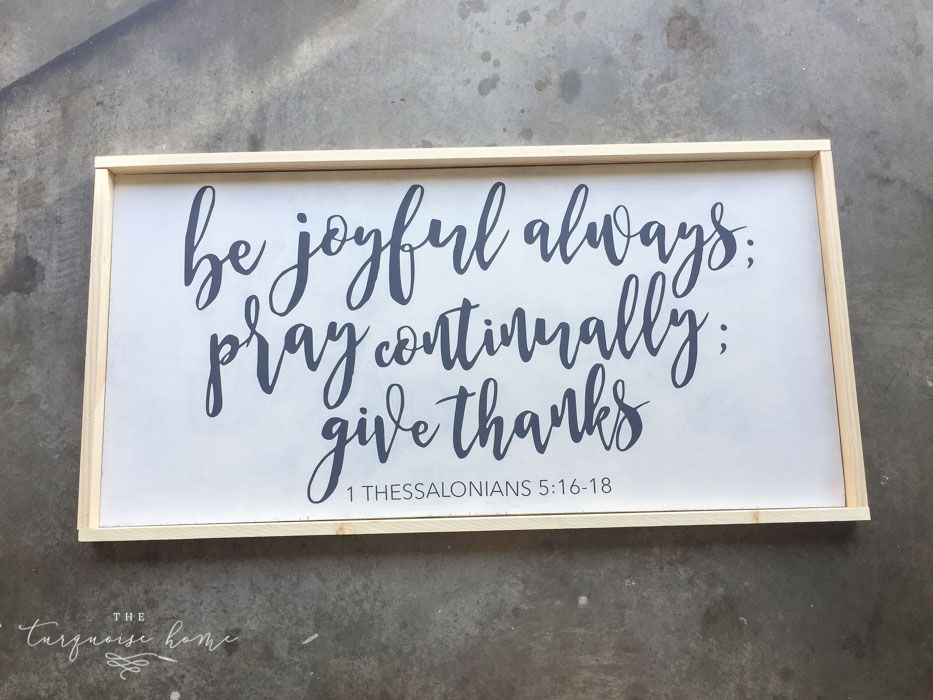
I used 1x2s to build the frame. I cut two sides, then the top and bottom pieces to fit. You could also use lattice for a slimmer frame.
Don't attach it yet! Stain it first.
Step 11. Stain or paint the frame.
I stained mine in Early American by Minwax. Let it dry completely before you attach it to your beautiful sign. (Ask me how I know…)
Step 12. Use a brad nailer and wood glue to attach the frame to the board.
You could also use hot glue to attach the frame if you don't have a brad nailer. I think it would work, but you wouldn't be able to pick up the sign by the frame.
Yay!!
Do a happy dance, because you're finished and your sign looks absolutely stunning!!! I love this sign!
What do you think? Would you like to make a sign like this for your home? Would you add it to your fall mantel this year?
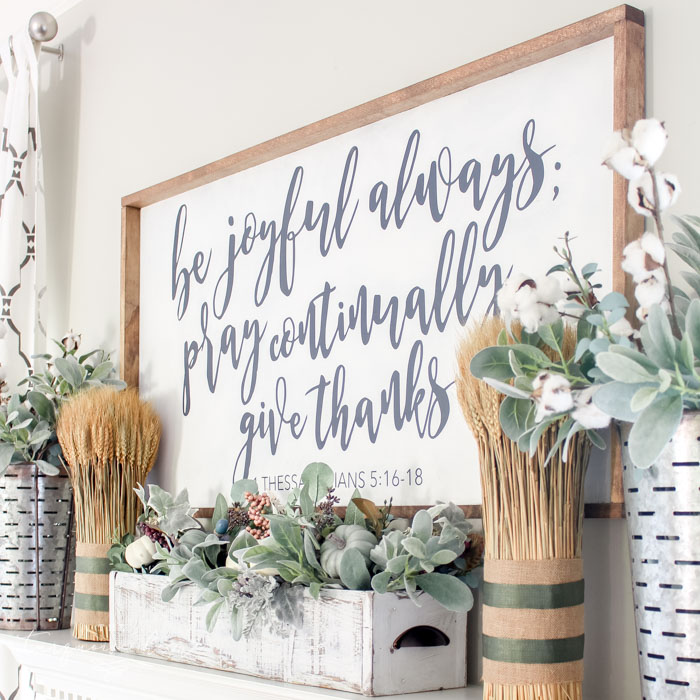
This is from my fall mantel a few years back. You can see it here!
Grab your "Be Joyful Always" .studio file for FREE
If you want to make this exact sign, you can grab the .studio file right here!
Enjoy!!
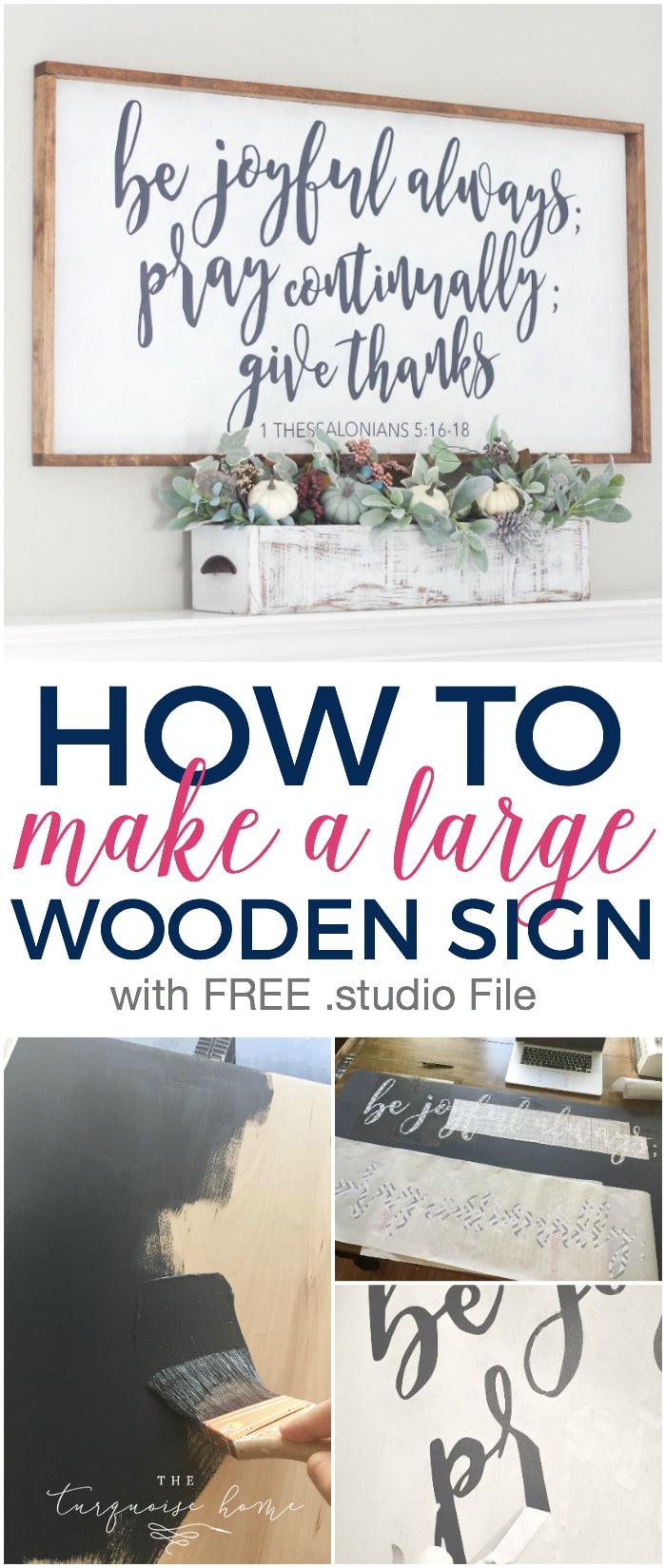
If you'd like to save this for later, don't forget to pin it!

DIY Cornice Board: Making a Fabric-Covered Window Cornice
...Read More
Building a Custom Frame for Your Frame TV (a High-End Look on a Budget)
...Read More
Refinishing Wood Furniture, Step by Step
...Read More
A DIY Fall Hydrangea Wreath Made with Faux Stems
...Read More
Hanging Plates on a Wall
...Read More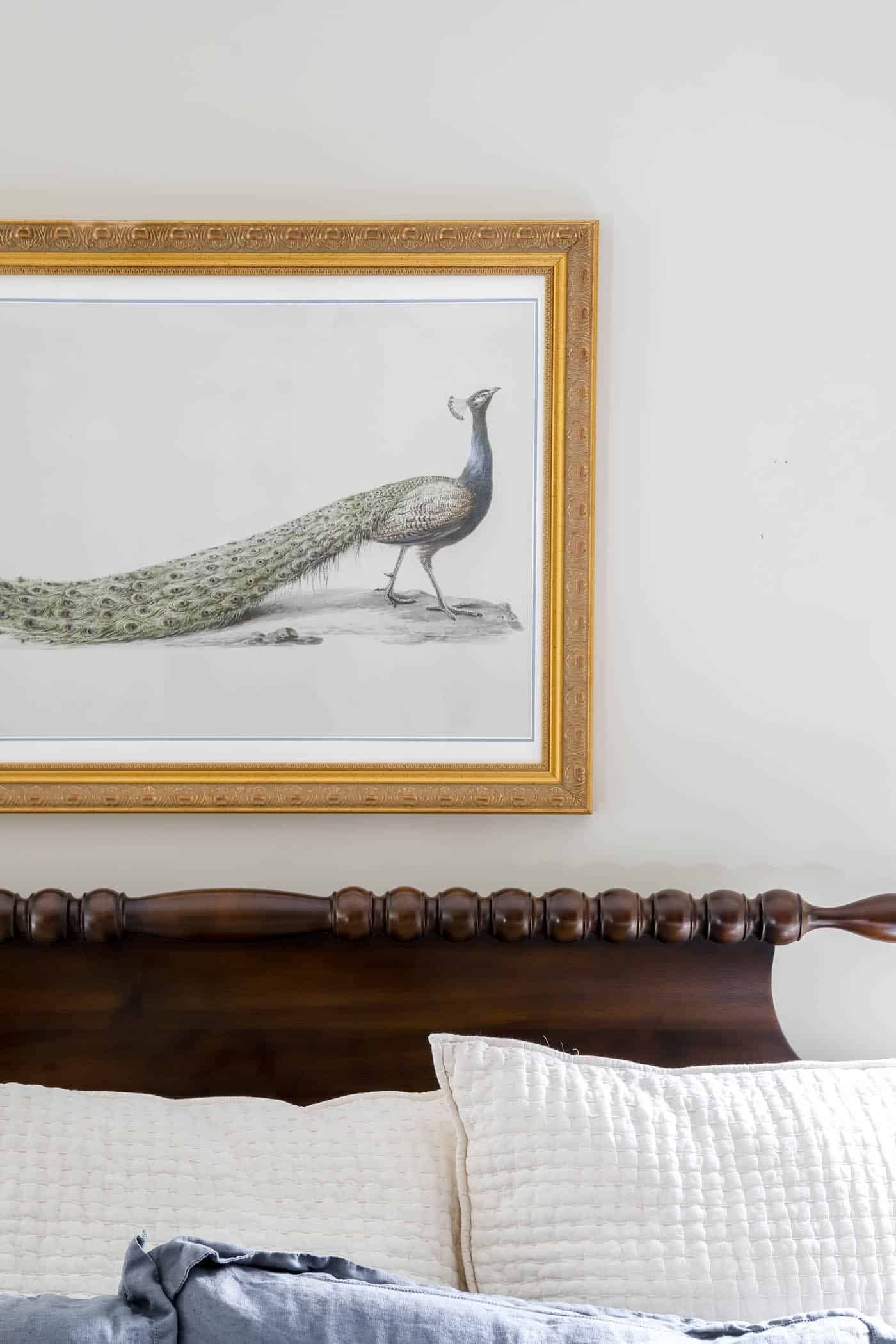
Trash to Treasure: Framed Peacock Art
...Read More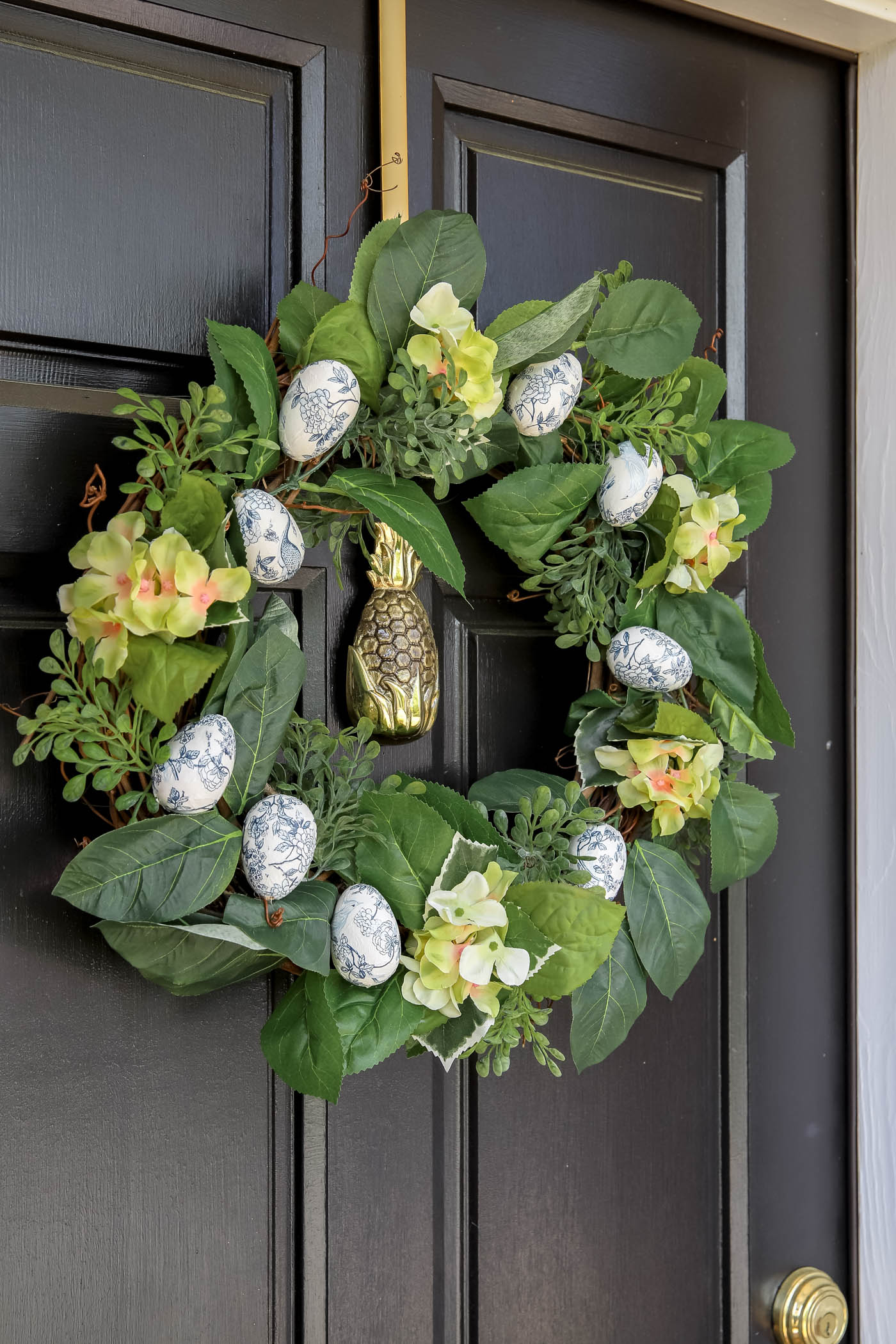
A DIY Chinoiserie Egg Wreath
...Read More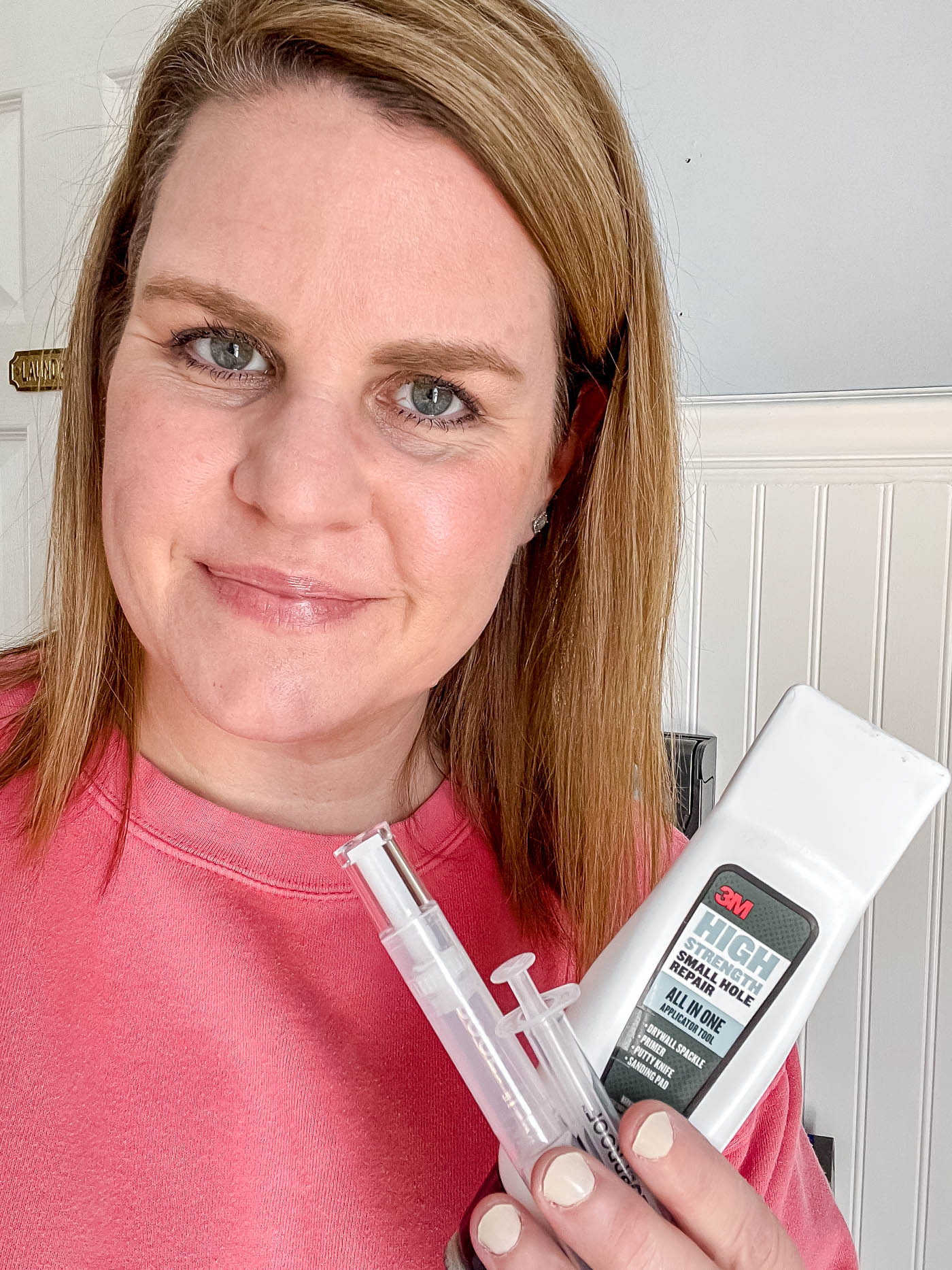
Patching a Small Hole in Drywall
...Read More
Drying Orange Slices for Decorations and Crafts
...Read MoreLoad MorePinPinPinPinPinPinPinPinPinPinPinPinPinPinPinPinPinPinPinPinPinPinPinPinPinPinPinPinPinPinPinPinPinPinPinPinPinPinPinPinPinPinPinPinPinPinPin