One of my favorite traditions at Christmas is all the Christmas cards! I love checking the mail every day between Thanksgiving and New Year’s, because there is bound to be at least one card in there. That is why it starts weighing on my mind as early as September. I need to start planning the perfect photo Christmas card.
I know photo Christmas cards have become more common over the past decade, replacing traditional cards. But in a day and age when everything is digital, I love holding a physical copy of my loved ones’ pictures in my hands.
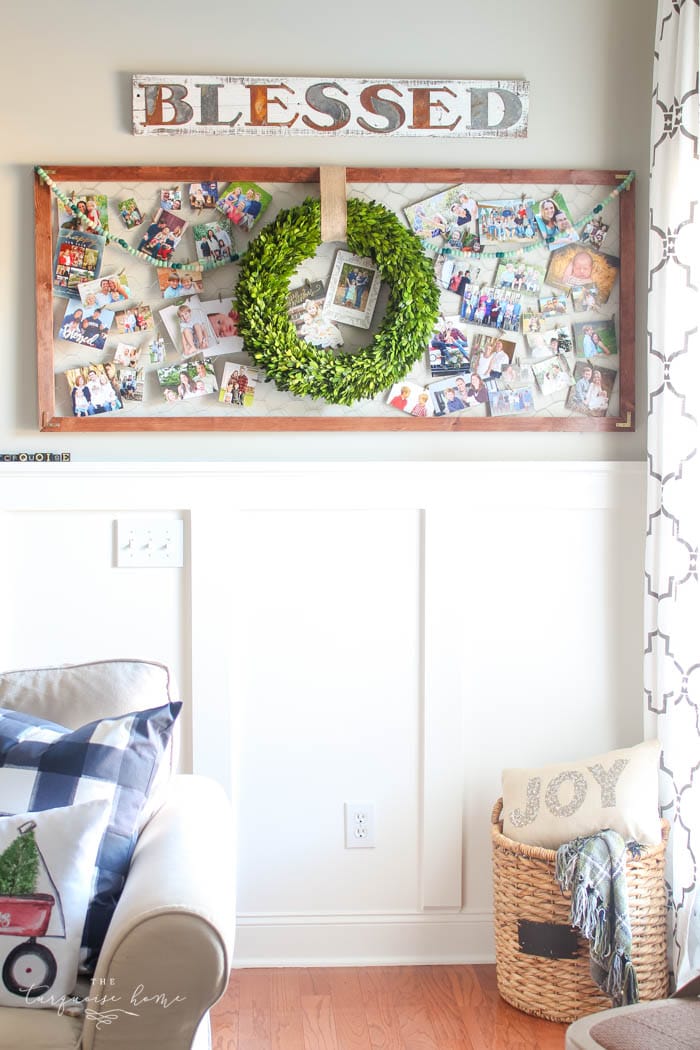
I love them so much that I keep the pictures and display them all year on my DIY chicken wire display. A friend came over one day and remarked that we have some really pretty friends. Ha! She is right. They are all so cute.
This post has affiliate links. Read my full disclosure policy here.
I love sharing ways to decorate your home at Christmas. Some of my favorite ways are decorating the mantel with garland or adding free Christmas printables to your home. I’ve even shared ideas for Christmas card holders and display ideas! My hope is that these posts inspire you to create a home you love!
Tips for Choosing a Photo Christmas Card
So, how about choosing that photo Christmas card? Well, first you’re going to need a photo. I suggested finding your favorite card first and then taking the picture. But you can do it in reverse, too, which is how I did things this year!
Schedule your photo session in October, so you’ll have plenty of time to get the pictures back and make the card.
My friend Amanda snapped some great shots of us at the park on a warm fall day. I pretended it was cool outside and put on my puffy vest right before we posed for pictures.
How to Choose the Perfect Photo Christmas Cards
1. Select Your Best Photo
Obviously you’ll want to have an idea of which photo is your favorite, because it will matter whether it is landscape or portrait, or whether there is “white space” at the top or bottom of the picture.
2. Look Through the Holiday Cards at Minted.com
I chose Minted after looking at several other photo card companies. I loved their quality, price, card options and the free printed addresses on the cards. Such a time saver for this busy mama! {I also loved their story when I recently heard it on this podcast. Take a listen to get to know the company a little better!}
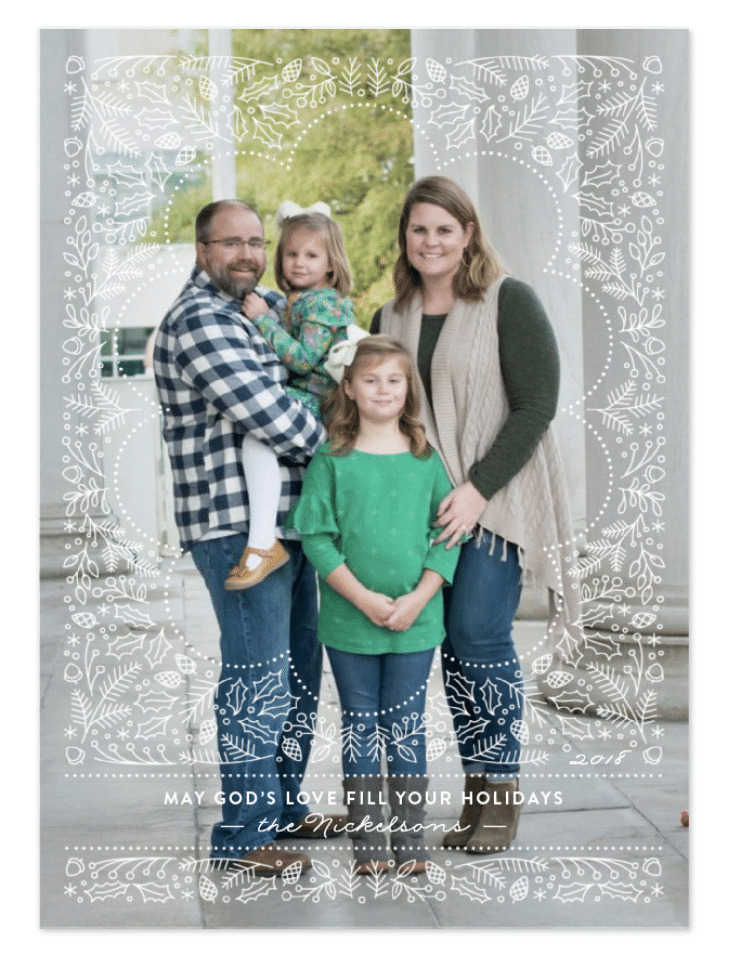
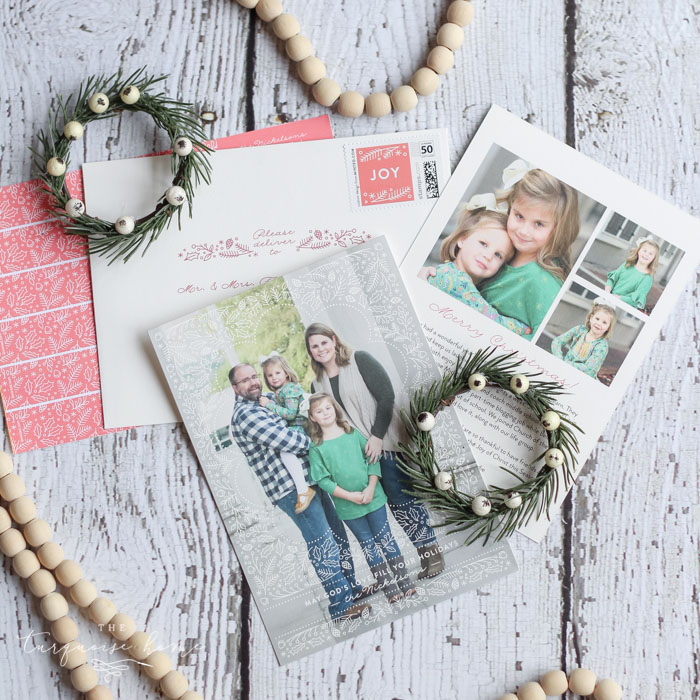
In the end I chose this design because it was whimsical and fun, but neutral, and it didn’t compete with the colors in our photos. Funny enough, it was my #2 favorite back in 2016, so I guess my tastes don’t change too much over the years.
And for my friends and family who will receive my card – surprise! Here it is.
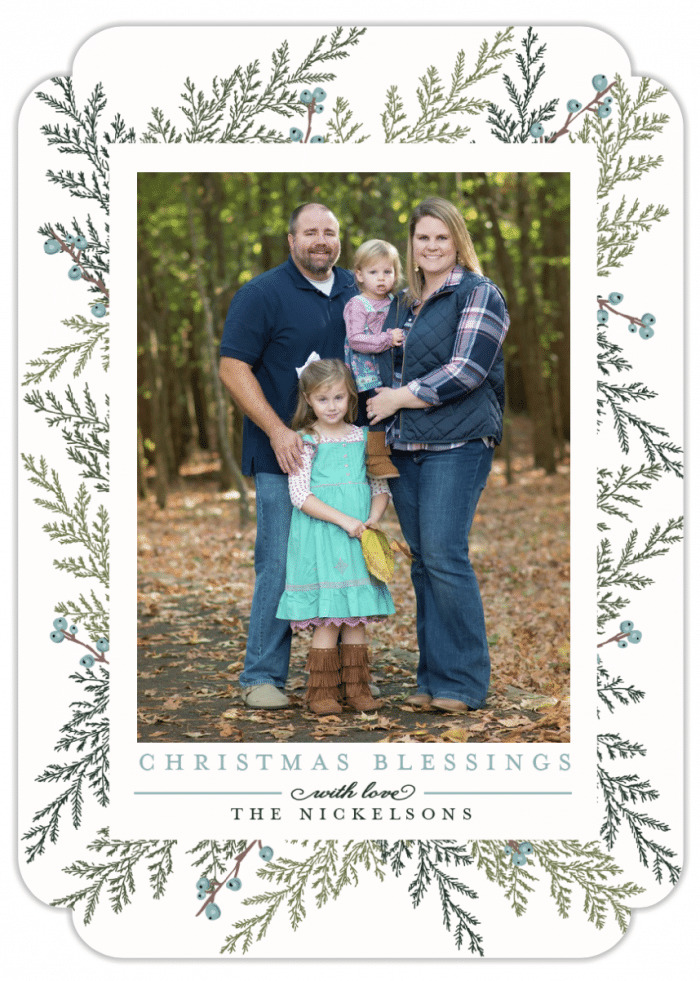
A couple of years ago, I chose this botanical design because I just loved the pretty foliage, and the berries were a lovely blue, which of course I adore! There are multiple colors to choose from and an assortment of holiday or New Year messages. I love how many ways there are to customize your card.
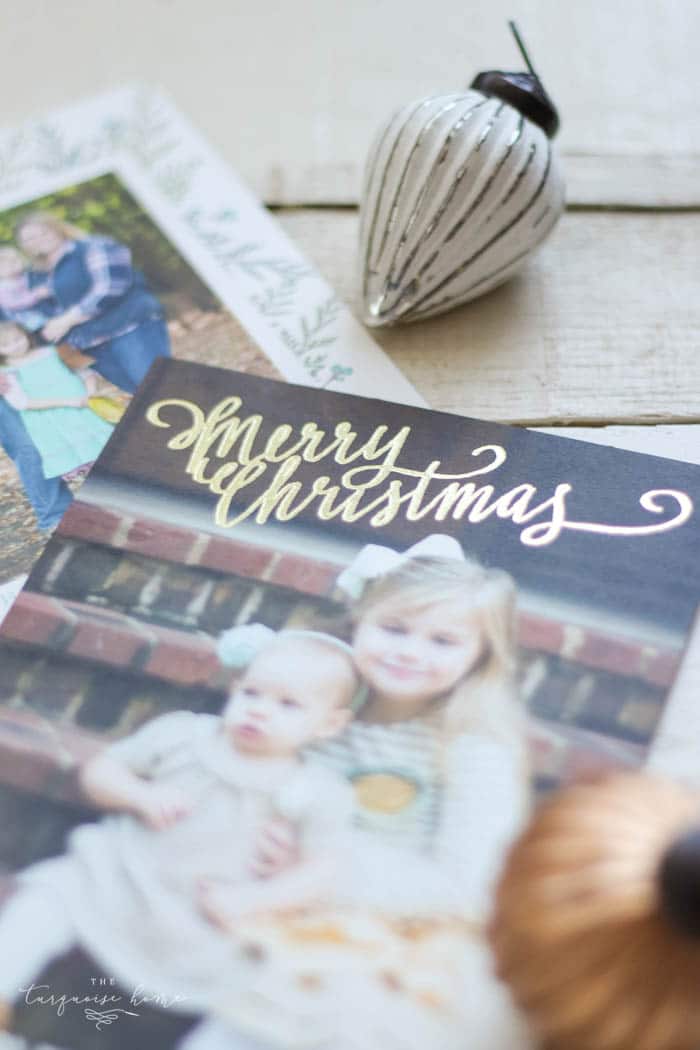
Back in 2015, I chose a simple foil design, and I love all the foil options!
In the end I saved more than 10 designs and then narrowed it down to 4-5 card designs. Keep reading for ideas on how to make your selection even faster!
3. Click on the Find it Fast™ toggle button
This lets you see your photo in all of the cards on the page! Genius!!
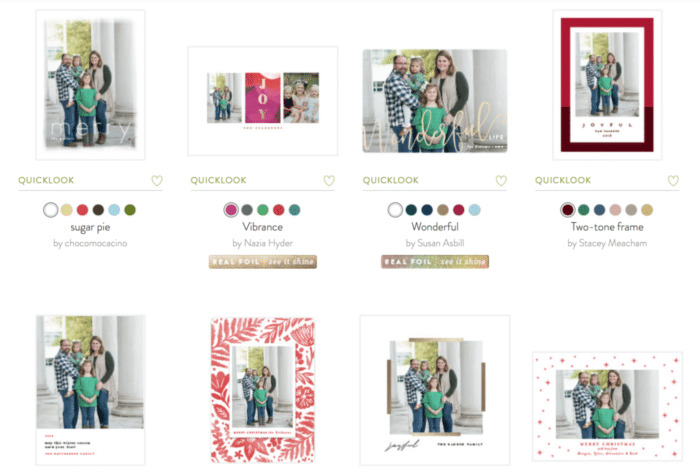
This makes it very quick to see which cards work for your picture and which don’t. You can also narrow your search at the top by number of photos, landscape, portrait or square photo and more!
Tip: You can click the heart icon on any card to save it as a favorite to view again later.
Another tip: Choose a card that coordinates with your family’s photo. If the card clashes with your photo, make your photo black and white.
If you really love a particular card and haven’t had your pictures taken yet, ask the photographer to look at your favorite card and make sure she takes a picture that will work in that space.
4. Time to Customize!
Once you have selected your favorite photo card, you can customize it in so many ways!
- Change the shape to rounded corners, scalloped corners and many more. I kept my corners square, because it’s classic.
- Change the format to a cost-saving option like a postcard. I love this idea for people on a tight budget! It’ll be cheaper to print the cards, and you’ll save on postage too!
- Most of the cards have color options, so choose the best one that coordinates with your photo.
- The greeting can be changed with the click of a button. Choose Holiday, New Year’s, Christmas or Religious Christmas. I love those options!
- Don’t forget to edit your name or names on the card.
5. Add Some Extras
The possibilities for extras are nearly endless. You can even get matching postage stamps for your cards. Isn’t that wild?
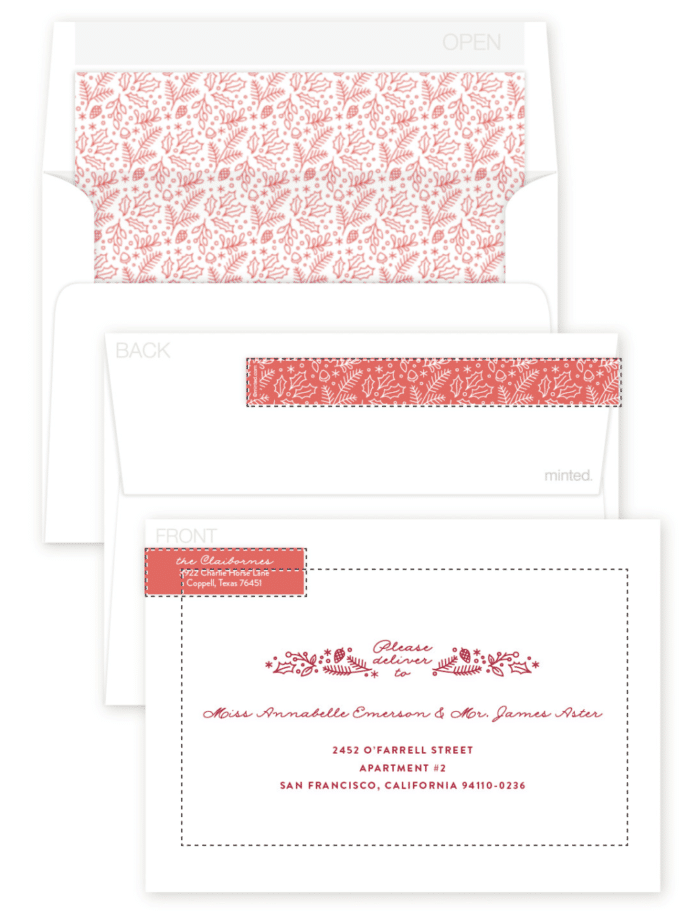
- Select the color of your envelope.
- Choose a liner for your envelopes.
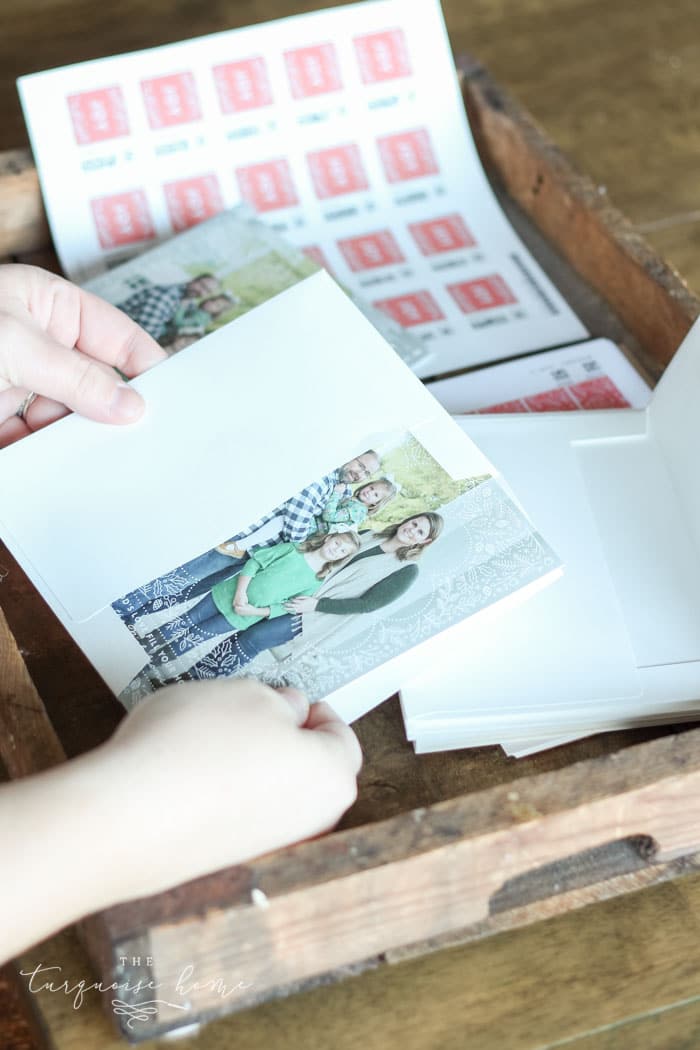
- Select whether you want your return address printed on the envelopes or wrap-around return address stickers. This is one of my favorite upgrades because it saves me so much time! I chose the wrap-around return address stickers {featured above} this year and love the extra pop of color they add.
- And my favorite extra?? The recipient addressing is so awesome. It’s free! You just upload your addresses to their site, and they print them for you! Then I print the addresses, add them to my Holiday Planner and check them off as I send them out. (I’m a dork, I know.)
Do you love photo Christmas cards as much as I do?
Do you save the photos all year long like I do?
More Posts You Will Love:
- Christmas Gift Wrapping Station + Simple Gift Wrapping Tips
- Blue and White Christmas Living Room
- DIY Winter Wreath with Bells (step-by-step tutorial)
This post was originally written as a sponsored post for Minted back in 2018. It’s been updated for 2022, and I’m still using Minted to make my Christmas cards every year! I love the designs, the free recipient addressing and the return addressing as well! LOVE them!