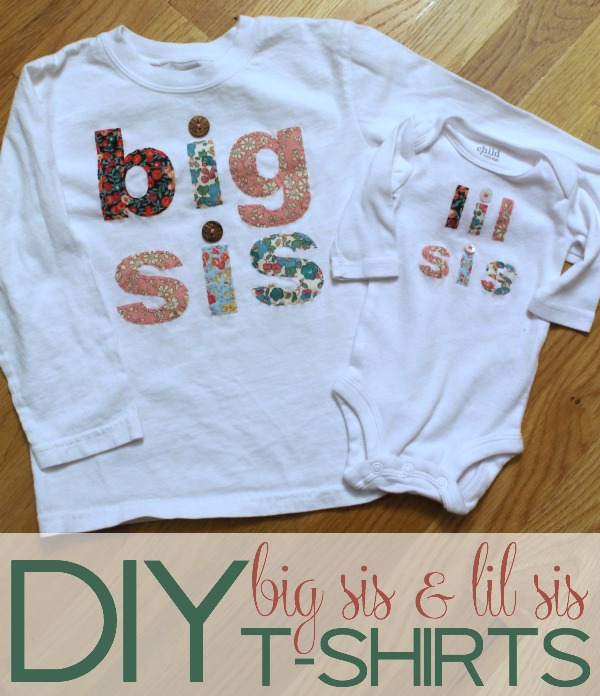
This darling big sister shirt and matching “lil” sister shirt set would make a wonderful gift for any sweet girl welcoming a new baby sister.
If you’ve been around for a while, you know I LOVE my Silhouette CAMEO. It makes my life so much easier (like when it cut out 70+ music note garland pieces in just minutes) and it makes me look so much craftier than I am (like when I made these cute teacher’s treat jars back in August).
I wish I had more time to dream up ways to use it, but alas… I love that it helps me get the things I want done with great speed and efficiency.
DIY Big Sis and Lil Sis T-Shirts Tutorial
I’ve seen these fabric “big sis” and “lil sis” t-shirts on Etsy for a long time. They’re so adorable, and I wanted something for my girls to wear when they meet each other in just a few weeks. Eeek!!
I looked into buying them, which is my usual go-to these days instead of DIY, but I just couldn’t bring myself to when I KNEW I could make them with my Silhouette.
Step 1: Wash and press your fabrics.
This is so obvious, but I washed the t-shirt and onesie and forgot to wash the fabric for the letters. Oops! #preggobrain I had to run a whole other load of laundry before I could start the project. Oh, the horror!
Step 2: Press all of the fabrics, just because it’ll make life easier.
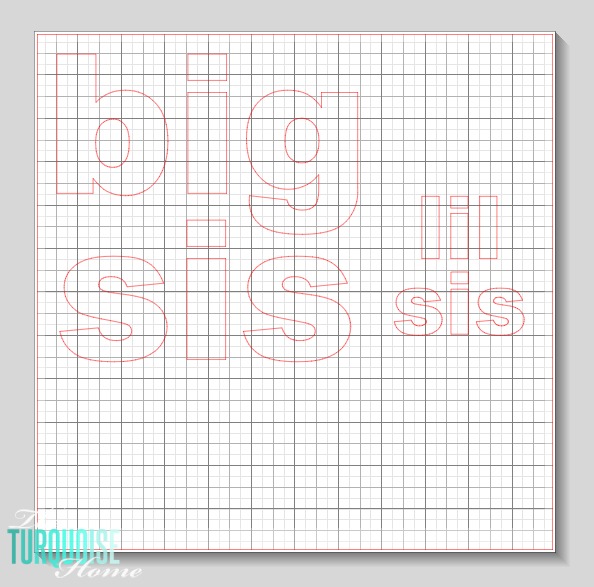
Step 3: Build your design in the Silhouette Studio software.
I measured the shirts to see how big the design should be and typed out my lettering. I used Arial Black because I wanted simple block letters.
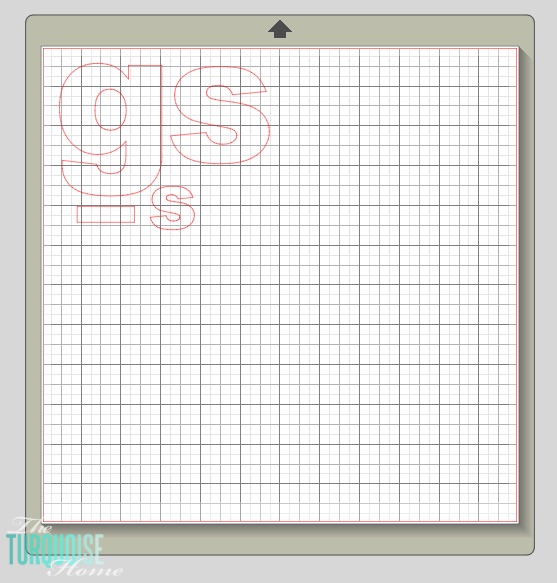
Step 4: Once my lettering was set, I picked which letters would share the same fabric and grouped them together to get ready to cut.
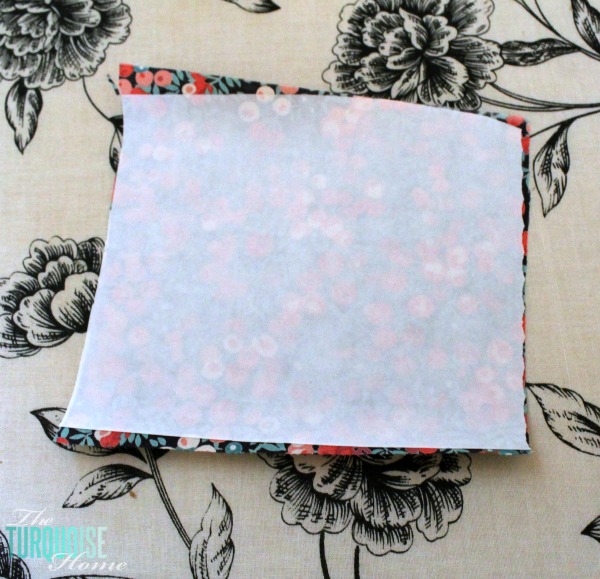
Step 5: Cut the Fabric
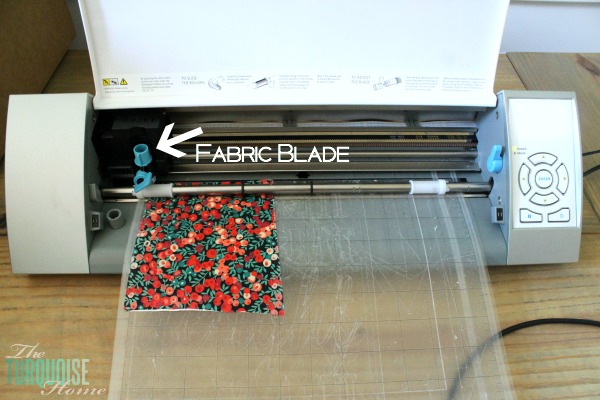
I cut a square of each fabric big enough for the design pieces I’d selected. Then I cut a piece of Sewable Fabric Interfacing and ironed it onto the back.
This stuff helps the fabric blade cut through the fabric easily and keeps it from fraying. It also bonds the fabric to the shirts to keep the pieces in place while you sew them on.
Notice the blue-tipped fabric blade that I use only for cutting fabric. It’s the same idea as keeping a pair of scissors just for fabric. It keeps the blade sharp!
Step 6: Arrange the Letters on the Shirt
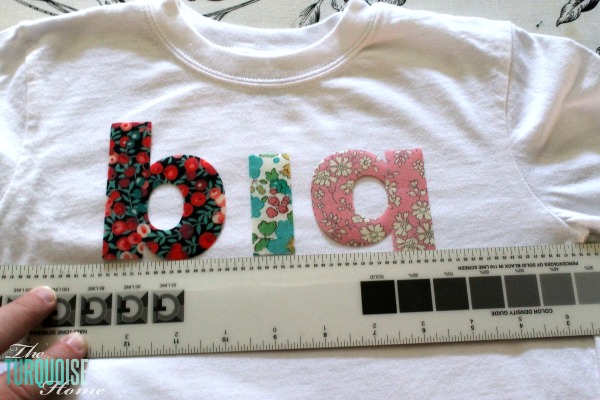
Once all of the letters have been cut out, arrange them on the shirt. I used a ruler to keep everything straight and centered.
Step 7: Press the Letters Down
Then simply follow the directions for the Sewable Fabric Interfacing and iron the letters down. The interfacing will hold everything in place while you sew around the edges.
Being the no-sew girl that I am, I chose to hand stitch a little embroidery stitching around each letter. I think it looks so cute that way. And I sewed a button over each “i” for a fun bit of texture.
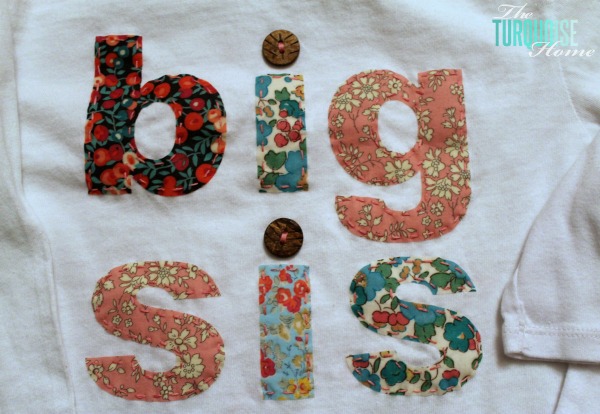
Dress up those adorable kiddos and admire your handiwork.
I’m so glad I made these instead of buying them for much, much more. I used fabric I bought on a trip to New York two years ago. I already used these fabrics in Miss A’s room, and I love getting to use them again. I like that the shirts have a little history behind them. I just grabbed a few buttons from my button stash, but it would be cute to use some pink heart buttons or other fun ones.
I can’t wait to show these off on my two girls. One more project crossed off the list. Woohoo!! #lessthanthreeweeks
Silhouette Ideas
Need some ideas for using this awesome crafting tool? Check out all of my Silhouette crafts HERE.