Hi friends! Whether you’re gearing up for back-to-school or already back in the swing of things like all the kids in my town, I have a fun teacher’s gift for you today!
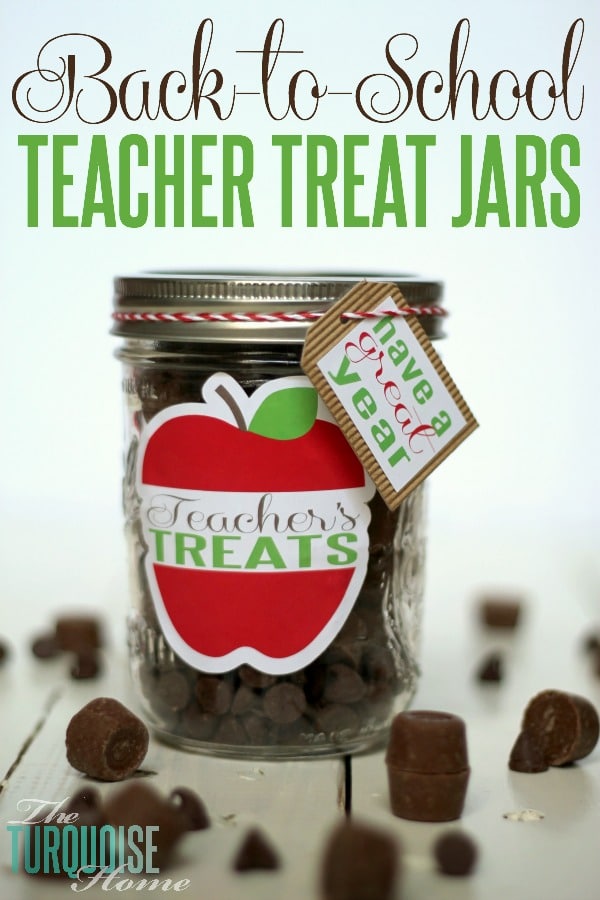
I don’t know about you, but sometimes chocolate is my saving grace after a full day of entertaining and playing pretend with my 3-year-old. She’s a delight, but an exhausting one at times. So I keep a stash of chocolate on hand for special emergencies. I’m sure a teacher of 14 three-year-olds could use some chocolate now and then.
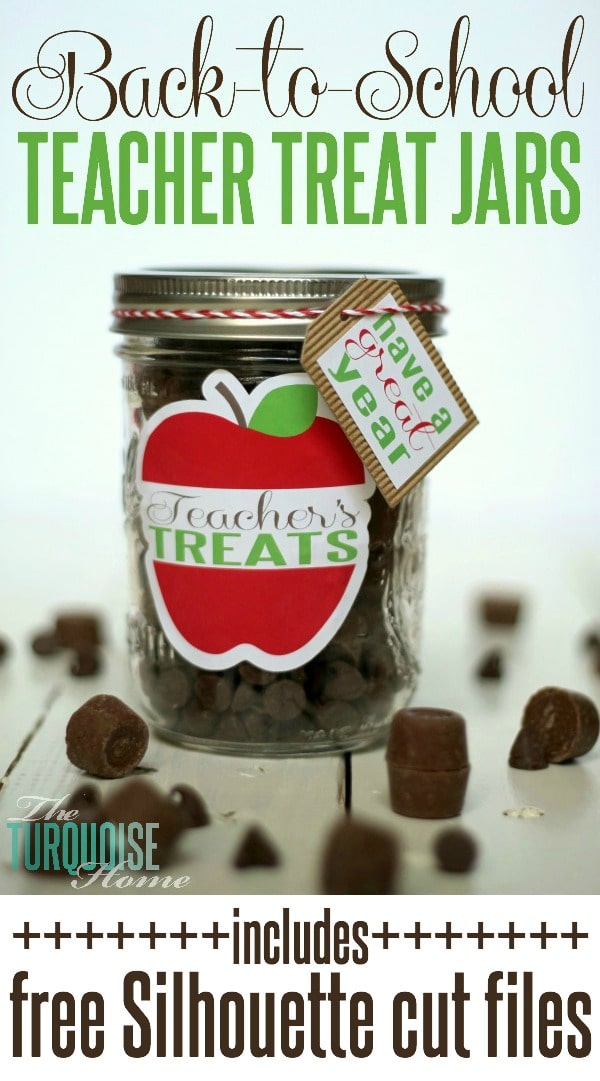
So the teacher’s treat jar was born. (I think Miss A’s teacher will love this!)
I gave my Silhouette Cameo a break over the summer, because, first of all, she deserved it. And second, I was never home. Ah yes, the details.
But I thought it was time to dust her off this month, just in time for some back-to-school crafting!
I whipped up this little gift in less than a nap time. You know a craft is good when it can be finished during a nap or less. I’m serious. From design to completion, I still had time to start dinner before I heard my favorite 3-year-old crying. Success!!
I used Silhouette’s printable white sticker paper and adhesive corrugated paper for this project. I’ve used the sticker paper a few times with the print and cut feature, which I LOVE. {See those projects here: Lemon Sugar Scrub and Burlap Spring Wreath} This was my first time working with the corrugated paper, and it certainly won’t be my last! I love how it adds texture and structure to my crafts.
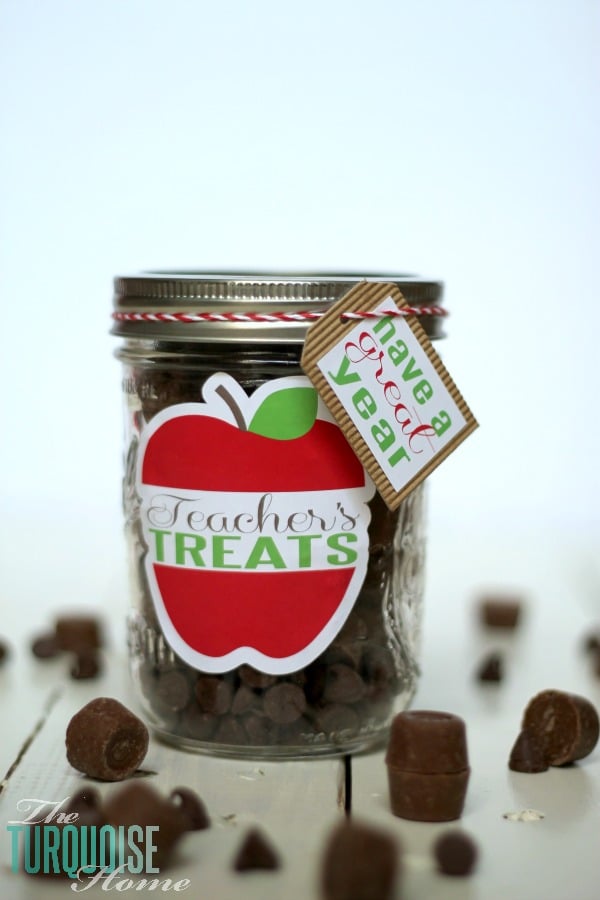
I designed this simple “Teacher’s Treat” sticker in the Silhouette Studio Designer Edition. You can download it here for free. {Personal use only!}
Next, using the trace and offset functions, I made the cut line just around the outside of the image, extended a little. Since I was using the print and cut feature, I added registration marks to the page. (If you skip the registration marks, the print and cut feature won’t work.)
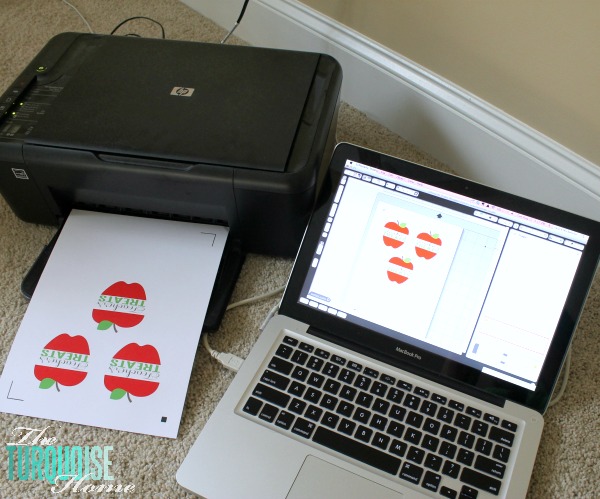
I printed them on my home printer. Yes, it currently lives on the floor. I have a nice black-and-white wireless printer in the office closet, but when I need color, it’s the floor version for me. Ha! I recommend using the best quality setting on your printer for this. On mine it’s called “photo paper,” and it works like a charm.
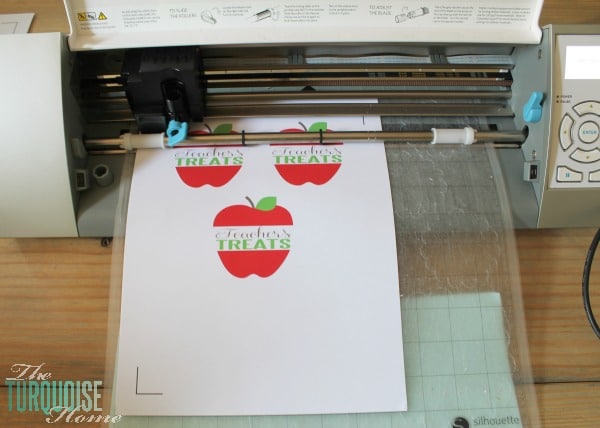
Once printed, I loaded the little stickers onto my Cameo mat, selected the “printable sticker paper” cut setting, and off it went. It read the registration marks and made perfect cuts around each one. I’m always amazed that it can do that!
Then I stuck the sticker onto the mason jar. I like wide-mouth jars. They’re better for reaching in there to grab a treat!
I cut out a tag from corrugated paper and did another print and cut tag on top of it, which says “Have a great year.”
I’ve included all of the files for you to use for free. Enjoy making your own “Teacher’s Treat” jar. {Please only use these for personal use.}
Teacher’s Treats .studio file – Download HERE
Tag .studio file – Download HERE
Have a great year .studio file – Download HERE
I can’t wait to give it to Miss A’s teacher this morning when I drop her off at preschool.