It’s Day 5 of the 30 Days to Less of a Hot Mess Challenge! We’re clearing clutter, reorganizing and letting in fresh air to build a home we love. New here? You may want to begin at the start.
**************************************************************
Hi! I’m Laura, a busy work-at-home mom. I plan my days around playdates, nap schedules, school drop-offs and pick-ups, and I work whenever I can fit it in. I stay up reeeealllly late and don’t get much sleep. I run on coffee, Diet Dr Pepper and chocolate.
Wait. That sounds like a terrible recipe for success, right?
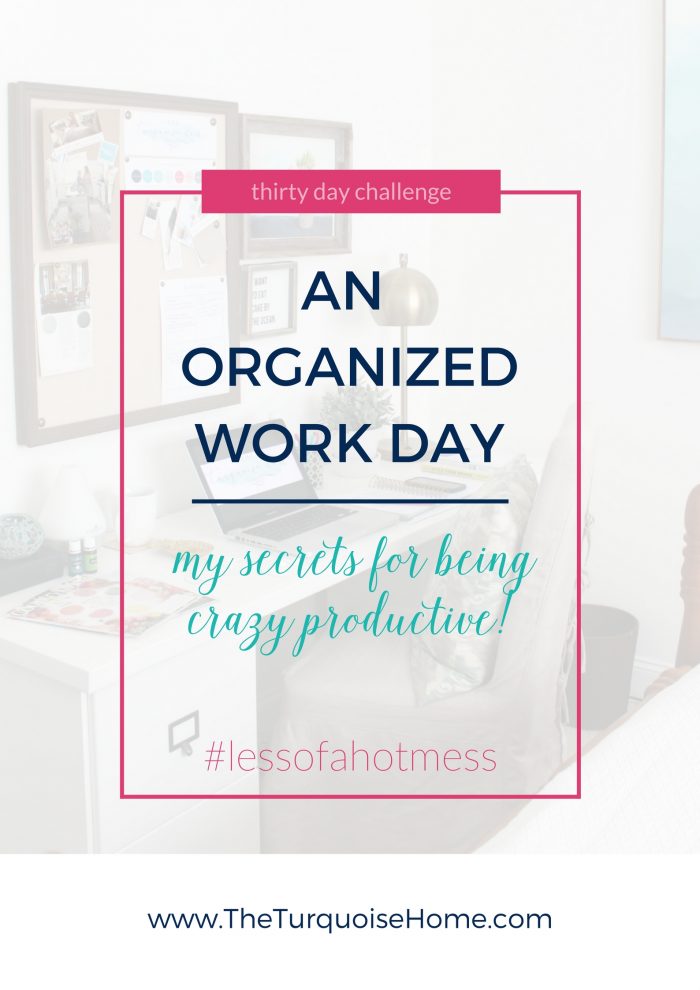
Well, that was mostly my life until recently. I never imagined in my wildest dreams that I’d be a self-employed working mom when I signed up for this wild blogging ride, but that’s exactly what I am, and I absolutely love it! It’s the best of both worlds. I get to be home for my girls when they’re home, and I work on my own schedule. I can take days off for field trips or when the kids are sick and need extra snuggles.
It sounds like a dream gig, and it really is! But it comes with its share of struggles, too.
I find it hard to separate life and work when it all happens under one roof, often in the same room. There have been plenty of days when the kids get sick right in the middle of a deadline. I spend the day trying to keep them entertained with the TV while I snap photos and quietly curse under my breath, because nobody wins when Mommy is frustrated and the babies are crying.
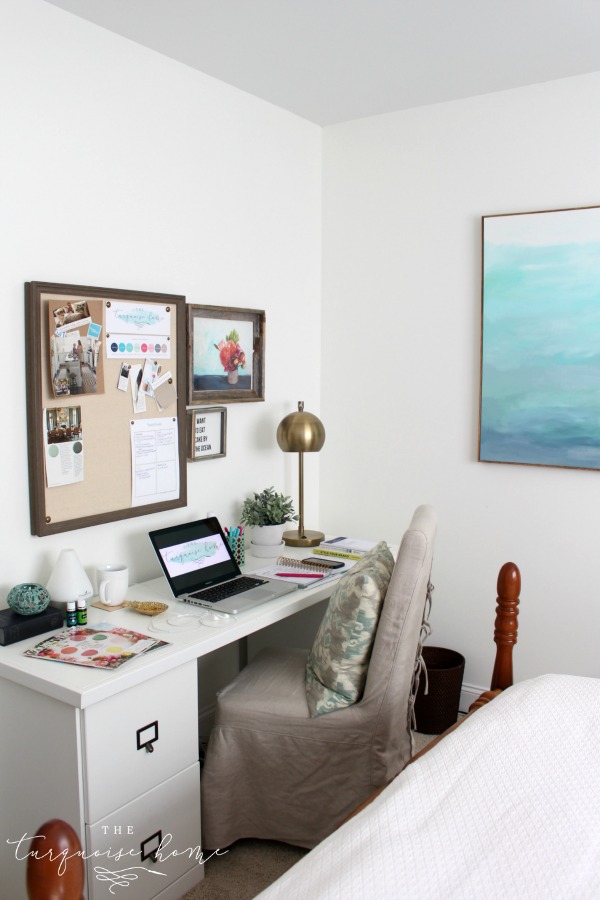
Honestly, no matter what you do or what stage of life you’re in, there is always some kind of work to do. You may be a full-time homeschooling mom with a school routine and a cleaning and cooking schedule. (I have the same cleaning and cooking schedule, but not the school routine.) Or you may be a full-time out-of-the-house working mom with kids in daycare. You have to find ways to focus while Ms. Talks-a-lot wants to fill you in on every little detail of her weekend.
Bottom line: we all struggle to stay focused, stay organized and win at our work!
A while back I wrote a post about How to be an Efficient Blogger, and what I shared then still applies today:
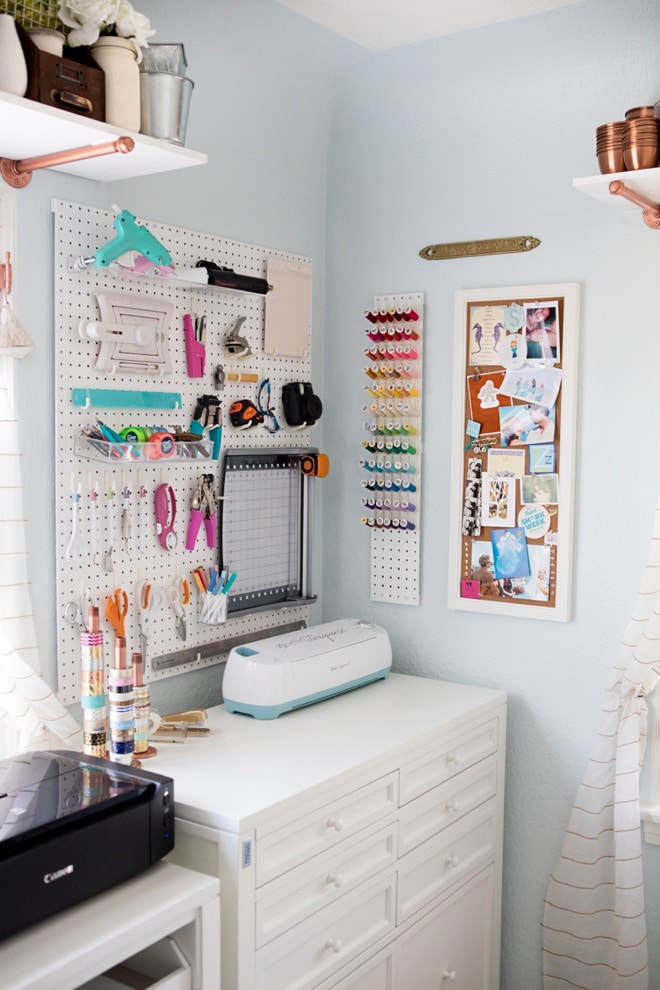
- Have a designated office space. I’ve been working in my guest room/office for a couple of years now, and I’m getting seriously decluttered in there and more organized than ever. I can’t wait to share it all next week!
- Use a Great Planner. We’ve already talked about this here and here. To recap: I use a personal daily planner and a blogging planner for more in-depth business details.
- Create office hours. This one has been the hardest for me to keep. It changes with each season, holidays and summer, and I’m also bad about closing the laptop and just spending time with my family. More on this in a sec.
- Have Pretty Organization. I still love a little pretty organization. It makes all the difference for me at work. I need a beautiful, organized space to work well.
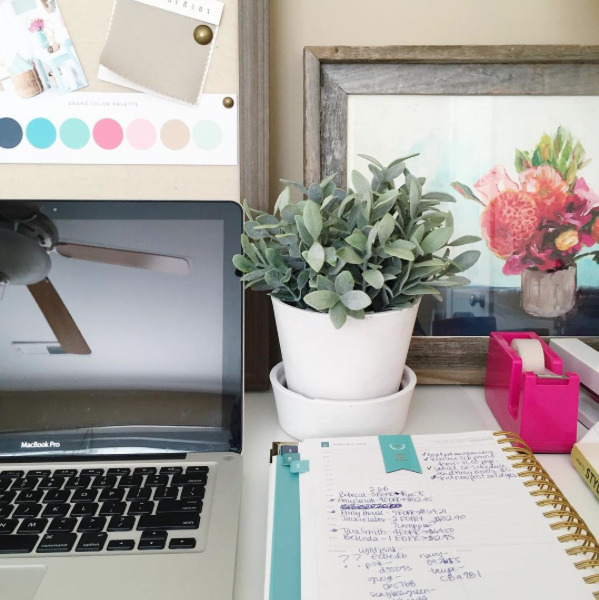
OK, those are great tips and goals for sure. I still work best when I’m at my desk in my office with few distractions, everything is organized and I’m following my plan. I’ve worked this way for a while, but I’ve recently become a bit more focused and serious about getting things done.
Find more work-from-home tips in this more recent post!
How to Time Block and Work More Productively
I’ve been using a 20-hour work week time block plan. Here’s how I do it. You can adjust it to however much time you have to work each week. (Stay tuned for a free weekly time block printable near the end of the post!)
Rules for Your Time Block Schedule
- Decide your Time Block Hours. BLOCK them out in your daily planner. These are your office hours. So if someone calls asking you to grab coffee during those times, the answer is no. If a co-worker stops by and asks if you can take a break, let her know you’ll be ready when you have one.
- Choose your Focus Categories. Decide which tasks matter most each week, since you’ll assign each block a focus category.
- Work in 25-minute Time Blocks with Breaks in between. I will work one 25 minute block and then take a 5 minutes break. Then work another 25 minute block and take a 10 minute break. I alternate 5 minute and 10 minute breaks between my time blocks.
- For example, if I’m working 2 hours on Monday morning while my girls are at school, I work from 9:30-9:55, then take a 5 minute break. Then I work from 10:00-10:25, then take a 10 minute break. Then I work again from 10:35-11:00, take a 5 minute break, and get back at it from 11:05-11:30. Rinse and repeat.
- FREE TOOL ALERT!!! I use the Tomato Timer on my computer to time each block and break. It’s super simple and great for productivity!
- Have your list of duties in front of you when you start, and race to beat the timer!
- Turn off all distractions!!! Do NOT keep your phone next to you. I can still get texts and calls on my MacBook Pro if my phone is nearby, but I’m less tempted to pick it up and scroll through random stuff if it’s not sitting right beside me. No Facebook, Pinterest or anything else unless it’s strictly related to your focus category.
- Complete the hours consistently each week. Make them up if you miss them for some reason (holiday, sick kids, field trip, etc.). And try to say no to unnecessary distractions, like spontaneous trips to Target. Not that I know anything about that!
- Let others around you in on your plan. I know working from home is hard when my family is home, but I let them know what I’m doing, and they know not to bother me unless it’s an emergency. (I’m not talking about leaving my girls to fend for themselves. I mean when my husband is home and caring for them while I work.) The same goes for cleaning or household chores. Let your family know what you’re doing, and maybe they’ll jump in and help you beat your timer!
My Sample Focus Categories
I know these won’t apply to everyone, but I wanted to give you an idea of what the categories might look like for a work-at-home blogger.
- Writing – 8 blocks per week
- Staging and Photography – 4 blocks
- Photo Editing – 2 blocks
- Graphic Design – 3 blocks
- Comments – 1 block
- Email – 2 blocks
- Scheduling & Editing Posts – 3 blocks
- Pinterest maintenance – 2 blocks
- Goals – 2 blocks
- Newsletter – 2 blocks
- Weekly to-dos – 3 blocks
- Monthly to-dos – 1 block
That’s only 16.5 hours, but I have several evening hours where I work on other projects for my other businesses.
Weekly Time Block Schedule | Free Printable
I made a simple free printable to help you block off your time. Just fill in the time slots on the left and block off time as needed for each day. This really keeps me focused and on track each week!
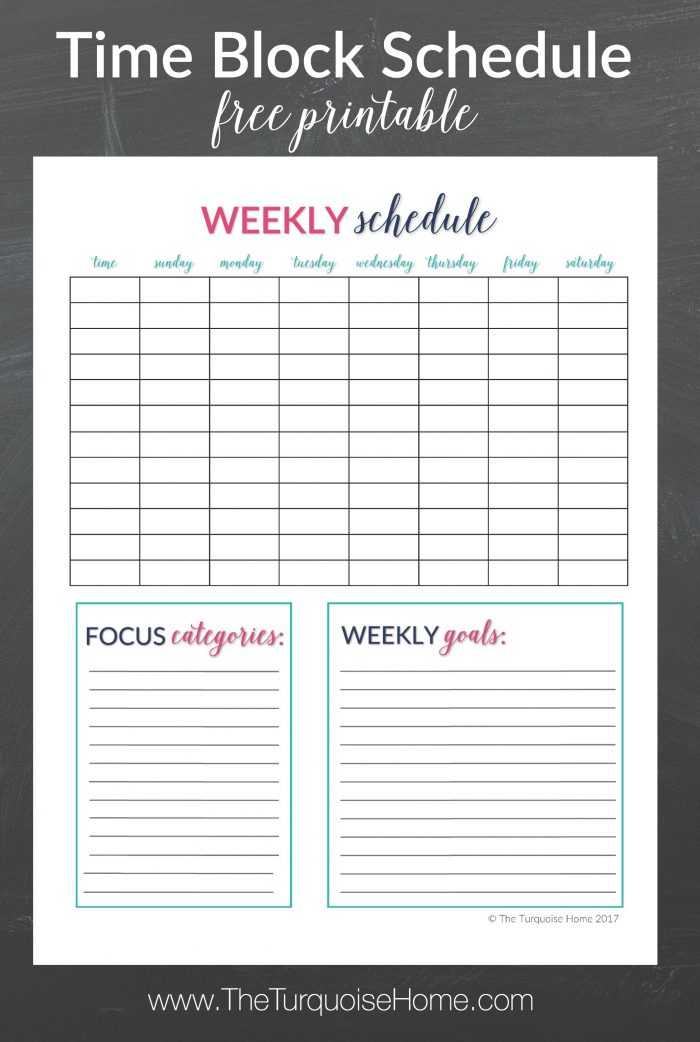

**If you’re already a blog newsletter subscriber, open my most recent email and log into the VIP Library with the password in that email. The free Weekly Time Block Schedule is available for download there. Or you can click above and sign up again. You won’t get double emails unless you use a different email address than before.
Don’t forget to share your organizing and decluttering this month on social media with the hashtag #lessofahotmess
The Messy Work: Print the Weekly Time Block Schedule and list your focus categories. Block off time slots for each one! Stick to them and make up any you miss.
Tomorrow we’ll be talking about the organized cleaning schedule! Ohhhh buddy, it’s going to be so fun. LOL See you then!
Right there in the mess with you, Laura
More Posts You’ll Enjoy: