The smart home is clearly the way of the future, or really, the way of right now. If you haven’t yet taken the plunge into buying smart home devices, you have probably planned to buy them or at least considered it.
As someone who is not an early adopter of anything, I considered buying a smart home device but wasn’t sure I would use it every day. It wasn’t until I knew it would solve a daily problem that I took the plunge.
So if you’re on the fence, think through how it could improve your daily life, and then decide whether it’s worth it.
For me, it came down to the “first-world problem” of walking a lap around the living room twice a day to turn on all of our lamps. We rely mostly on lamps to light our living room in the evenings. When I received a set of Philips Hue light bulbs last year, I knew we would benefit from a smart home device.
I could certainly program our lights from my phone (and we do have them on a daily routine), but I wanted to be able to turn them on and off with a single voice command. I can say, “Alexa, turn on the living room lights,” and on they go!
When it’s time for bed, I just say, “Alexa, turn off the living room lights,” and they go off. I can also ask her to dim them or brighten them, which is so fun!
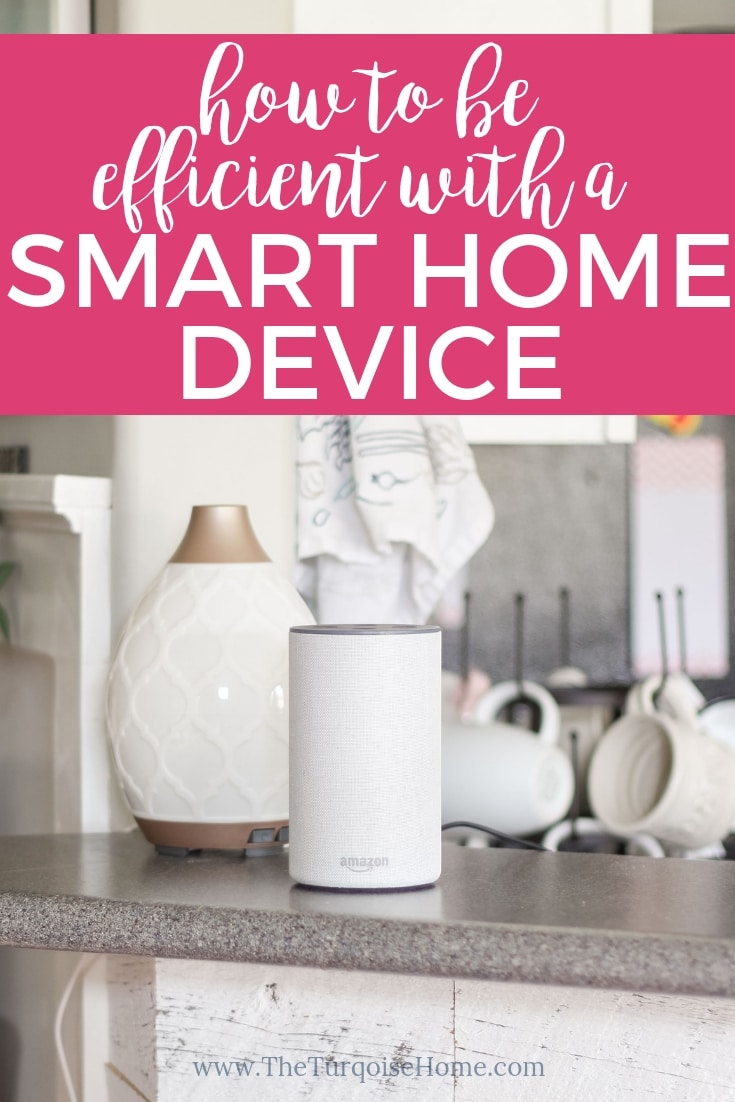
So, given my use of the name “Alexa,” we chose the Amazon Echo 2nd Generation in sandstone fabric as our smart home hub. There’s a new Amazon Echo Plus available now as well. Another popular option is the Google Home.
If you already have smart devices, check which system works best with them before you decide. I heard the Echo has better sound quality than the Google Home, and we already had Alexa-compatible devices, so we chose the Amazon Echo.
Seriously, though, we love using our personal assistant, Alexa, for so many things every day that I just had to share! If you’re on the fence and wondering whether to get one, I’d highly recommend it. These are usually at their lowest price on or around Black Friday and the holiday sales, so get ready to buy if you want one too!
I’d also like to get an Echo Dot or Echo Spot for our master suite, so I’ll be shopping on Black Friday too!
I know it isn’t always easy to picture how you would use new technology in your home, so I thought I’d share our favorite ways to use it!
How We Make Our Home More Efficient with Smart Devices
1. Control Lighting. Our number one reason for buying the Amazon Echo was to control the lamps in our home with our voice. I received the Philips Hue light bulbs as a gift. They are Wi-Fi-controlled light bulbs, and they are amazing! You simply screw the bulbs into the fixtures you want, pair the hub with your phone, and you’re ready to turn the bulbs on and off from your phone or set them on a schedule. I set a timer schedule right away and LOVE that feature.
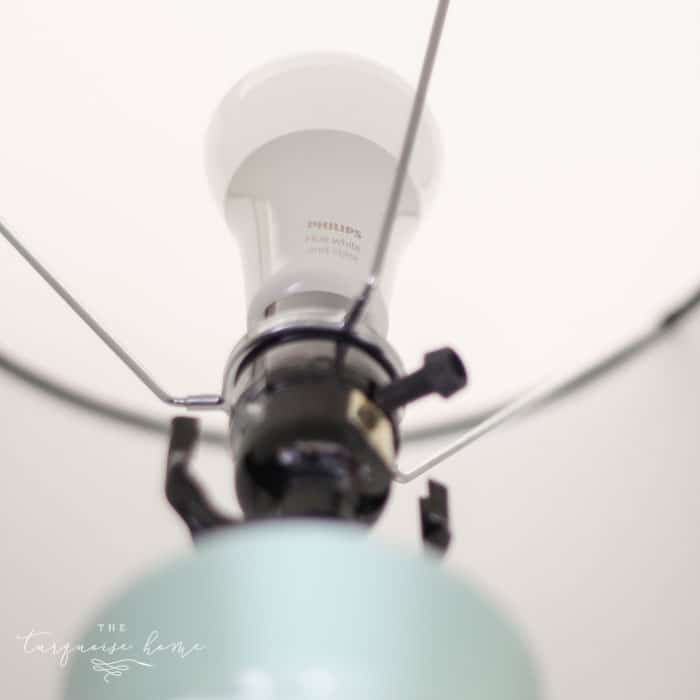
But I also wanted to control the light bulbs with my voice. So we got the Echo, paired the Hue hub with Alexa, and now we just say, “Alexa, turn on the living room lights,” and they come on. Or “Alexa, turn off the living room lights,” and they go off. It seems so simple (and maybe unnecessary), but I turn those lights on and off every day, and it’s so nice to just say it instead of taking a lap around the living room.
I’m super excited to use these Alexa Smart Plugs with my Christmas tree lights this year, because I hate having to crawl behind the trees to turn them on and off every day! Yay!!
Is there a frustrating lighting situation in your home that could use a little smart home help? I’d recommend the smart plugs over the light bulbs unless you just love the idea of dimming by voice. Otherwise, the plug can be used for anything that turns on and off, not just a light bulb.
2. Add Items to a List. I used to keep a notepad attached to the side of the fridge for writing down items we needed at the store. But I would inevitably forget it at home when I went shopping. Then I started writing things down in the notes app on my phone.
But NOW!! I just say, “Alexa, add chicken and waffles (or whatever I need) to my grocery list.” Then when I’m in the store, I pull up my Alexa app, and my list is right there! I don’t have to stop what I’m doing to write anything down. I just call out the item and keep making dinner or packing kids’ lunches. It’s awesome!
3. Control the Robot Vacuum Cleaner. I received an iRobot Roomba 690 vacuum for Christmas last year, which I LOVE, and I’m so glad it’s Wi-Fi capable. That means I can turn it on and off with my phone when I’m away from home, and I can also just ask Alexa to start it for me.
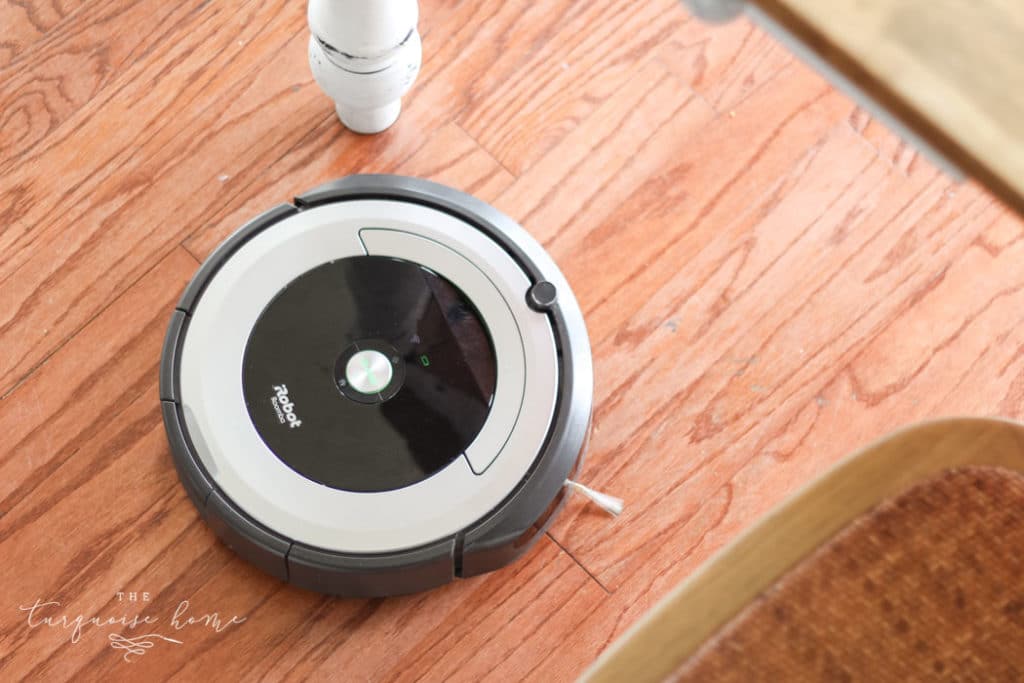
I say, “Alexa, ask the Roomba to start cleaning,” and she starts vacuuming. If my Roomba gets stuck and I don’t know where it is, I can even ask, “Alexa, ask Roomba where it is,” and it will make some sounds so I can find it. How Jetsons is that??
4. Set Timers. I can just say, “Alexa, set a timer for 5 minutes,” and put children in time out without having to get up. Ha! Seriously, though, it’s great for timing food, time-outs for kids, or refereeing when my kids each get a set amount of time with a special toy.
5. Check the Weather. I used to check the weather on my phone each morning to decide how to dress my kids. Now, instead of finding my phone, I just ask Alexa!
6. Find TV Shows. We cut the cable cord this year, and now we watch TV and movies only on our streaming device, the Amazon Fire Stick. We subscribe to Hulu Plus and Netflix to get our show fix, and we love it! Our Fire Stick has an Alexa button at the top of the remote. We just press and hold it and say, “Alexa, turn on Friday Night Lights,” and she takes us to the next episode we’re ready to watch. It’s so much faster than searching or scrolling for a show.
7. Dance Parties. I know this one isn’t really about efficiency, but we ask Alexa to play music every day. My girls love being able to say, “Alexa, play Taylor Swift” or “Alexa, play Kids Bop,” and then dance their hearts out! I like listening to music while I cook dinner and the girls play. It makes dinner so much more enjoyable!
We end up listening to so much more music, even though I am capable of playing music through my phone. There’s just something about asking someone to play music that makes it easier.
Ways We Want to Make Our Home More Efficient in the Future
1. Ring Doorbell – I’ve wanted one of these for a long time, and I know some of them work with Alexa and the Amazon Echo Spot. The Spot is the video smart hub, so it can show you the front door camera view from your device (as well as your phone, tablet or PC). I’m sure there are other clever ways to use this doorbell, but I don’t know them yet.
2. Nest Thermostat – We have the oldest-school thermostat imaginable. It’s a pain to program, and sometimes it doesn’t even work correctly, so it’s time to replace it. I look forward to buying a Nest thermostat so we can control the temperature from our phones and by voice through our Amazon Echo.
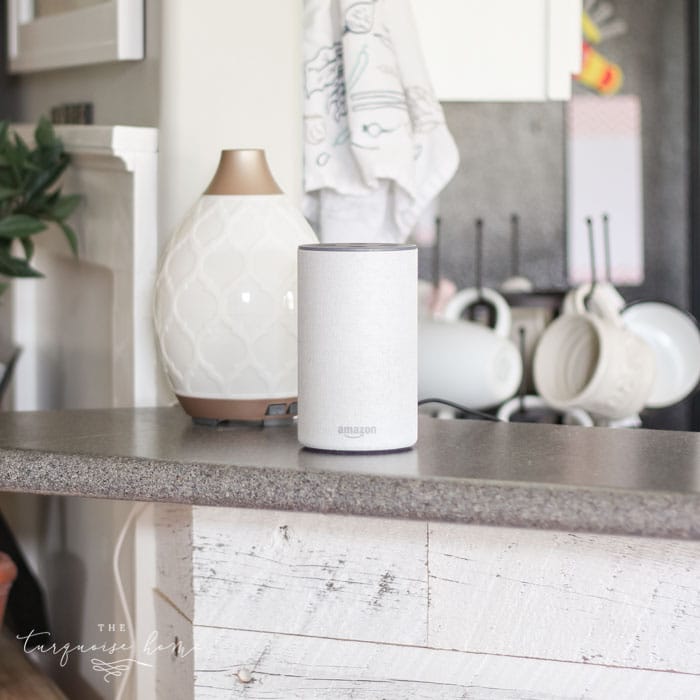
This is the extent of how we currently use our smart home devices (or plan to) so far, but I know we are always finding new ways to use them. Let me know your favorite way to use your smart home devices in the comments!
More Posts You Will Love: