
Smart home technology is no longer just a trend—it’s already a practical part of everyday life. If you haven’t yet adopted smart devices, you’ve probably considered them or plan to. For many, the decision comes down to whether a device will solve a real, daily problem. That’s what convinced me to start.
I’m not usually an early adopter, but when I realized a voice assistant would eliminate my twice-daily walk around the living room to switch lamps on and off, it became a clear win. We rely on lamps to light our living room in the evenings, and when I received Philips Hue light bulbs, pairing them with a smart hub made sense.
Although you can control smart lights from a phone app and set schedules, voice control adds convenience. Now I simply say, “Alexa, turn on the living room lights,” and they come on. At night I say, “Alexa, turn off the living room lights,” and they go dark. I can also ask to dim or brighten them for the perfect atmosphere.
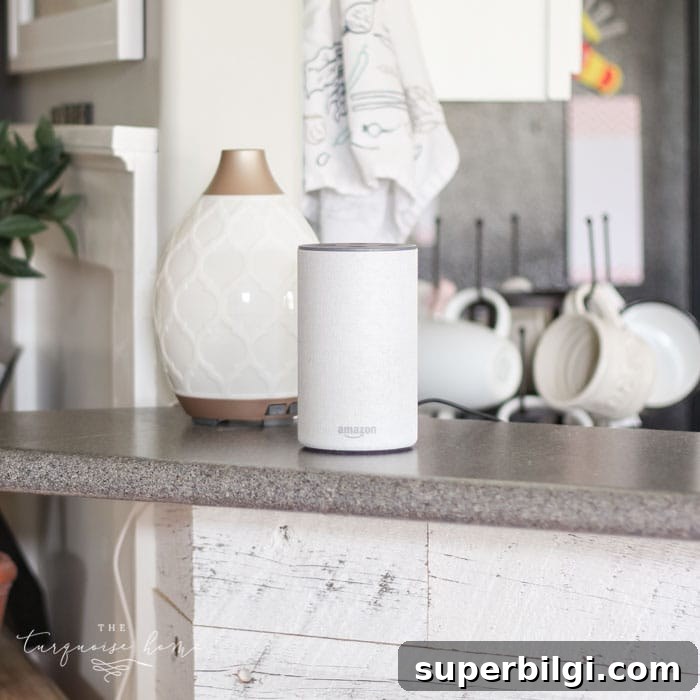
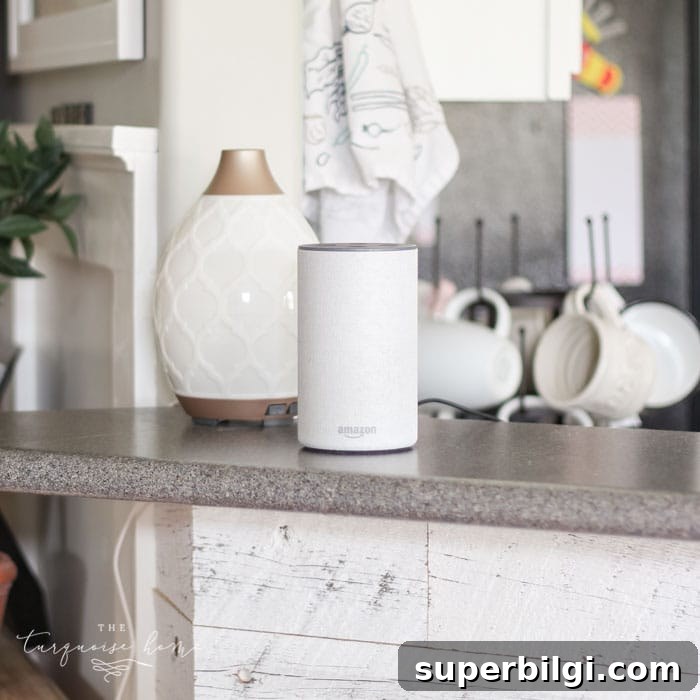
We chose an Amazon Echo as our central hub because our other devices were compatible and we preferred its sound for music. Other households might choose a different voice platform depending on their existing devices. If you already own smart devices, check compatibility before picking a hub.
Voice assistants provide more than just lighting control. After living with ours for a while, these features became indispensable, and I recommend considering one if you’re on the fence. Prices often drop during major sales, which is a good time to buy.
Here are the practical ways we use smart devices to make everyday life easier and more enjoyable.
How We Make Our Home More Efficient with Smart Devices
1. Control lighting. The primary reason we bought a voice hub was lamp control. Philips Hue bulbs are Wi‑Fi enabled and work with a hub, enabling app control, timers, and voice commands. We set schedules for routine lighting and added voice control so turning lamps on and off doesn’t require a walk around the room. For outlets or decorations like a Christmas tree, smart plugs are a flexible and simple option—useful for any device you need to switch without changing bulbs.

2. Add items to a list. We moved from a paper pad on the fridge to digital lists. Now I simply say, “Add chicken to my grocery list,” and the item appears in the voice assistant’s shopping list. When I’m at the store, the list is available on my phone—no more forgotten pads or lost notes.
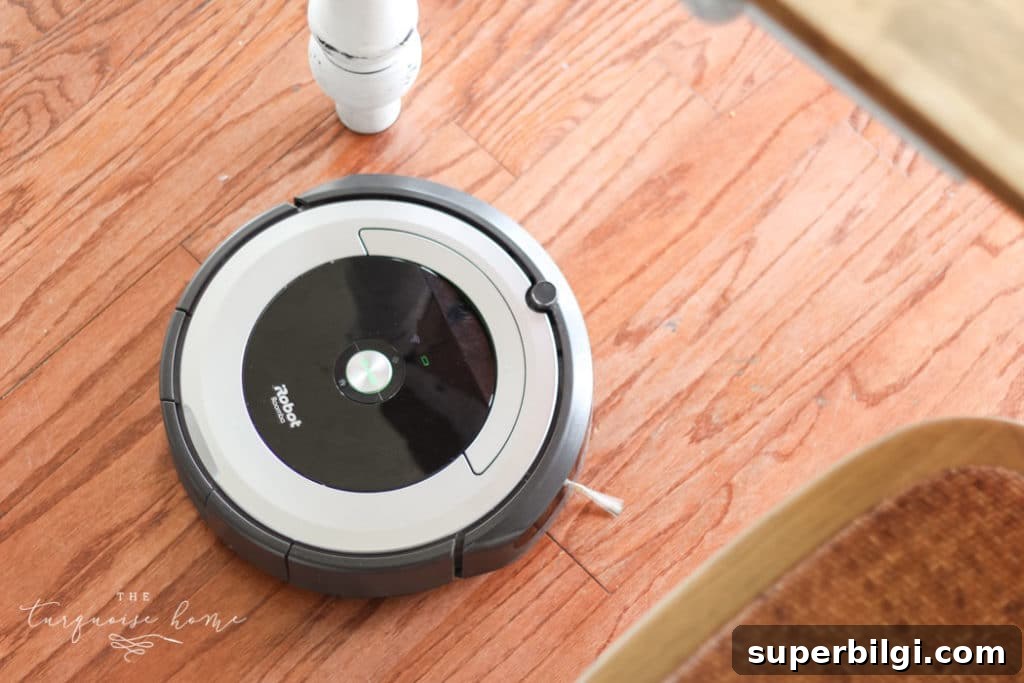
3. Control the robot vacuum. Our Wi‑Fi enabled robot vacuum can be started with a voice command. Saying, “Start the Roomba,” gets it cleaning while I finish other tasks. If it gets stuck, I can ask the assistant to make the vacuum emit a sound so I can locate it. This type of remote control is especially handy when you’re out of the house and want to run a cleaning cycle.
4. Set timers. Voice timers are fast and hands-free. Whether you need a five‑minute timer for cooking, a timeout for a child, or a countdown for screen time, saying “Set a timer for 10 minutes” is quicker than juggling a phone while cooking or managing tasks.
5. Check the weather. Instead of digging out a phone each morning, we ask the assistant for the day’s forecast to decide how to dress the kids. It’s a small time saver that keeps the morning routine smoother.
6. Find and control TV shows. With streaming instead of cable, voice search speeds up finding shows. We use a streaming stick with voice support to jump directly to the next episode by saying the show’s name. Voice control reduces searching and scrolling, making the viewing experience more seamless.
7. Music and family moments. Asking the assistant to play music has changed how often we listen. Kids love calling out songs—“Play Taylor Swift” or “Play Kids Bop”—and it turns on impromptu dance parties. I also play background music while cooking; voice control makes switching songs and adjusting volume effortless.
Ways We Want to Make Our Home More Efficient in the Future
Video doorbell. A video doorbell that integrates with our hub would let us see who’s at the front door on a smart display or phone. This adds convenience and a layer of security for deliveries and visitors.
Smart thermostat. Replacing an old, hard‑to‑program thermostat with a smart thermostat would let us control temperature remotely and adjust settings by voice. That makes managing comfort and energy use easier for busy households.
These are the ways we currently use—and hope to expand—our smart home setup. As we add compatible devices, new routines emerge that save time and reduce friction in daily life. How do you use smart devices in your home? Share your favorite smart home tips in the comments.
More posts you will love:
- How To Choose The Best Light Bulbs For Your Home
- How to Budget for Home Projects
- Paint a Room Like a Pro in 5 Easy Steps