Learn how to make DIY pantry labels with a Silhouette machine and some self-adhesive clear paper. Or you can buy some and go from there!
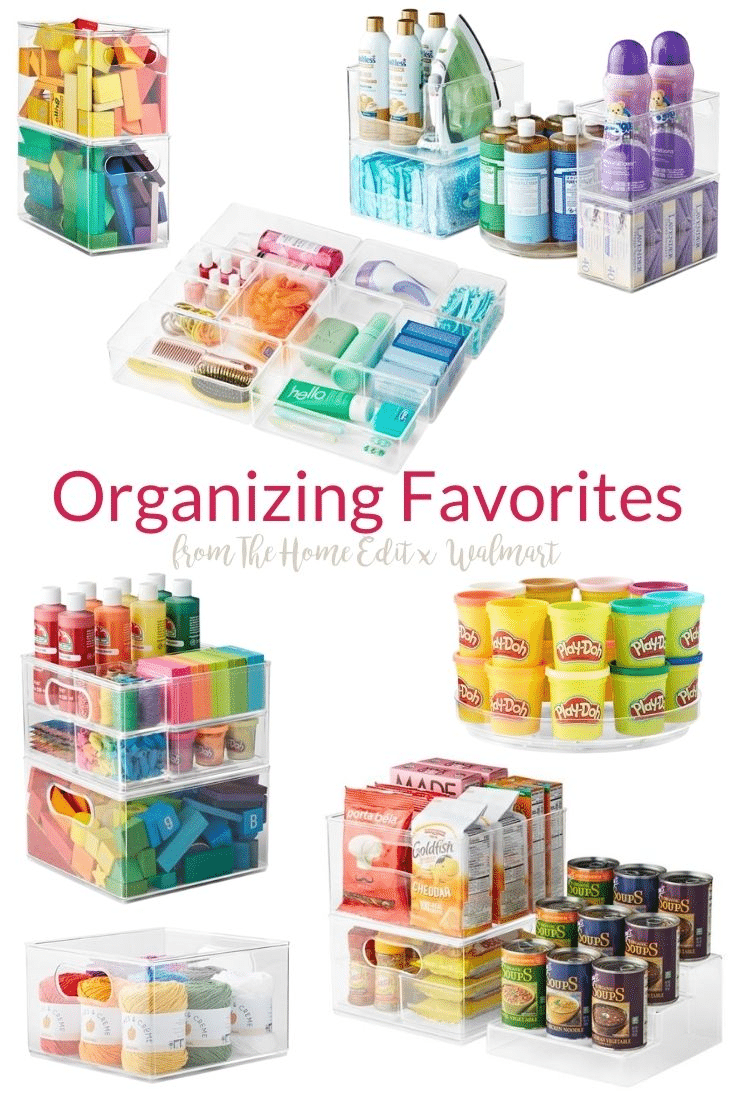
OK, so for the past two days we've organized our fridge and pantry. I absolutely adore the clear bins I bought to keep similar items together. Now I can see exactly what I have, and it's all sorted by type of food. Hip hip hooray!
But I'm not sure a bin holding all the rice and pasta will do me much good, because I don't know how long it will stay that way. Do you know why? Well, because I'm not the only person who lives here. Oh, and I have the memory of a squirrel, so I'll forget anything I do in 24 hours or less.
Welcome to Day 19 of the 30 Days to Less of a Hot Mess Challenge! We're decluttering, reorganizing and getting some fresh air to make a home we love. If this is your first time joining, you may want to start here at the beginning. Affiliate links used for your convenience.
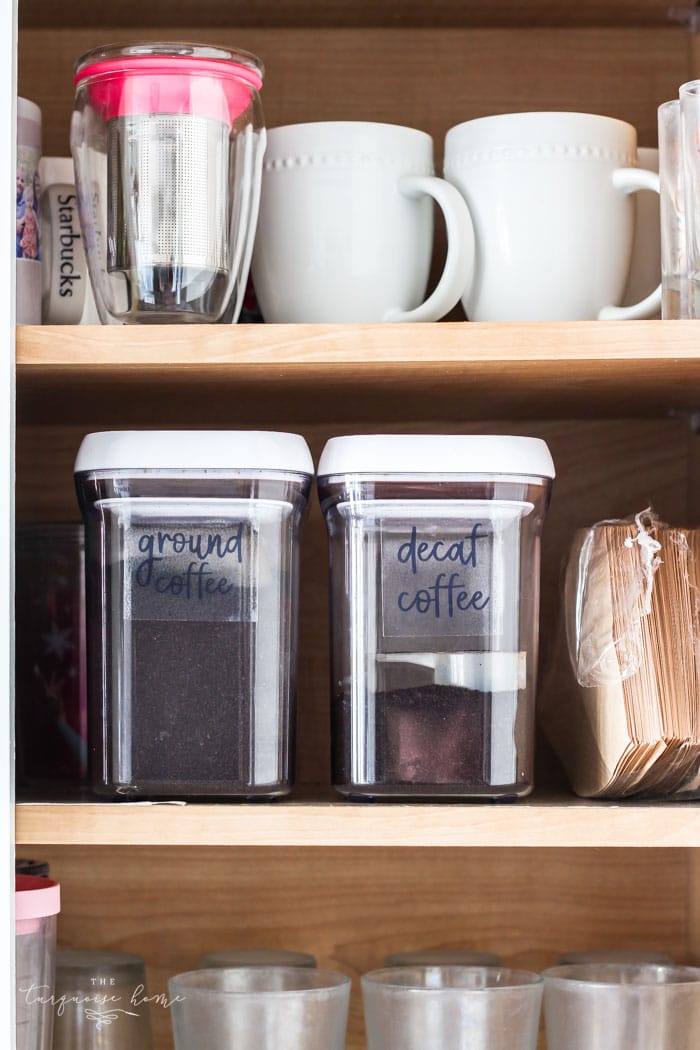
So... the best way I've found to keep things in order is labeling all of the things. I figure it will help my husband find things more quickly, too. I hope I'm right! And if it works, I'm going to label all.of.the.things!!
I honestly don't even own a label maker (but it's on my Amazon wish list, which is a mile and a half long). Instead I love making my own labels, either from free printables I find online or from scratch.
If you've spent any time on Pinterest, you've probably seen this image...
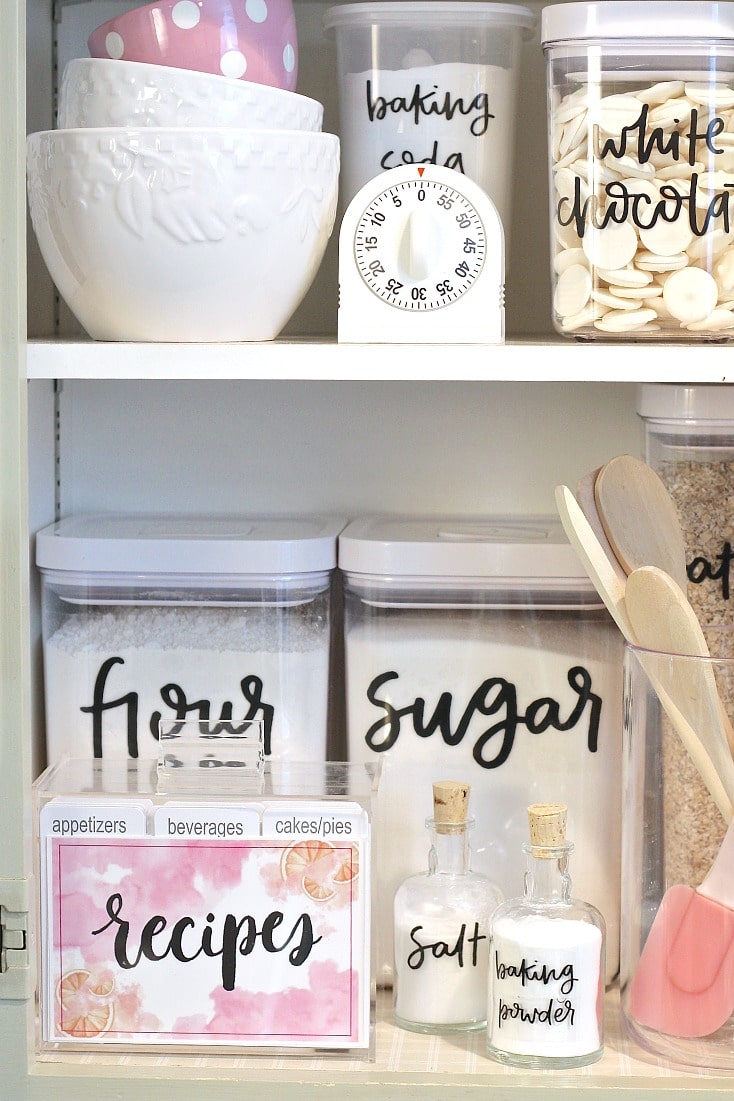
It's from The Creative Exchange and it's just gorgeous! The handwritten-style lettering and the pinks and whites are so pretty. They offer free printables of all these labels on their blog.
But I didn't need labels for things like sugar, cereal and salt. I needed labels for bins holding things like "snacks," "baking goods" and "canned goods."
So I set out to make my own labels just like these, only with my own wording.
To Make Your Own DIY Pantry Labels you will need ...
- Editing program like PicMonkey or Photoshop
- Printer
- Clear sticker paper – (I use the Silhouette brand clear sticker paper, and it works best in my experience. You can just run it through the printer and cut it out by hand. You don't need a Silhouette to use it.)
- This font (or another script font of your choice)
- Scissors or a paper trimmer
How to Make Your Own Pantry Labels
1. I downloaded the Hokey Pokey font, which is very similar to the example above because I loved its handwritten look! I just downloaded it to my computer, and then I could use it in Photoshop or the paid version of PicMonkey.
2. Next I went to my kitchen, wrote down all the words I wanted, and measured the space I had to work with for each one.
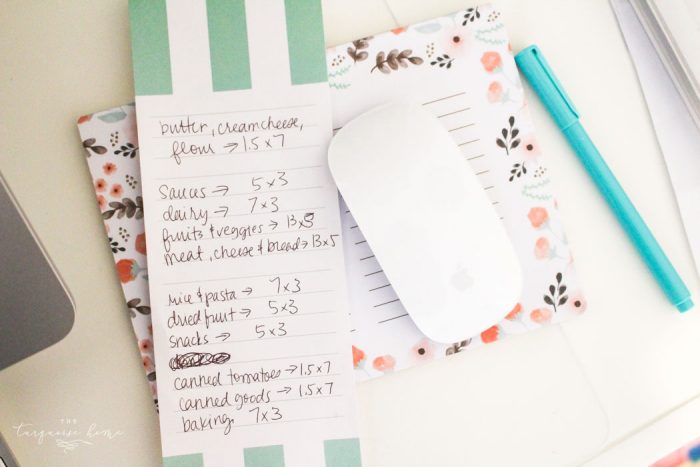
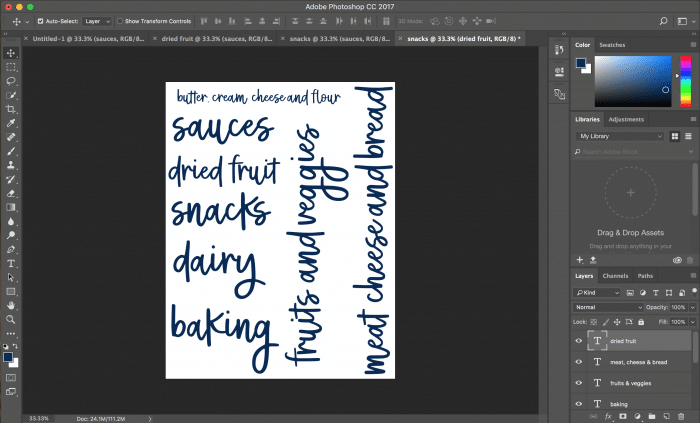
3. Create your labels in editing software. I used Photoshop because I could measure how big the words would be. PicMonkey doesn't offer that feature, but you could eyeball it if you're working on an 8.5 x 11 template. You could also print the labels on a sheet of paper first, cut them out and check that they'll work.
4. Once you've created your page of labels, print it on an inkjet printer. I made my labels navy, so I used a color printer. But if you're printing on blank labels, a black-and-white printer works just fine.
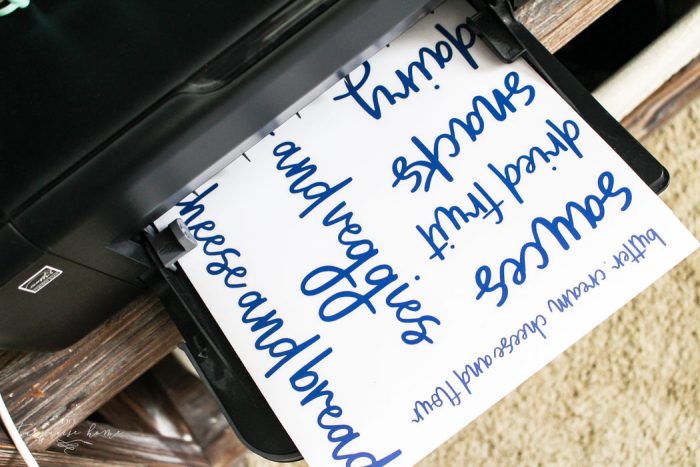
Important note about printing: Set your printer to the highest quality setting. It took me a while to find the quality settings on my printer, but I searched until I found them and it worked great! Let the ink dry on the paper for 15 minutes before cutting out the labels to prevent smearing.
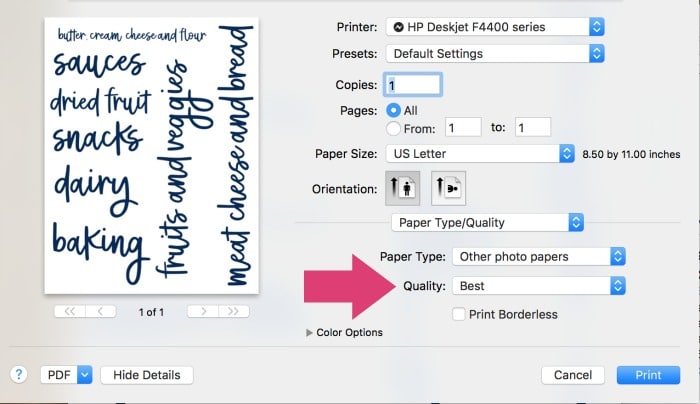
Important: I highly recommend doing a test run of your labels (and cutting them out too) on a sheet of copy paper. That way you won't ruin a good piece of sticker paper!
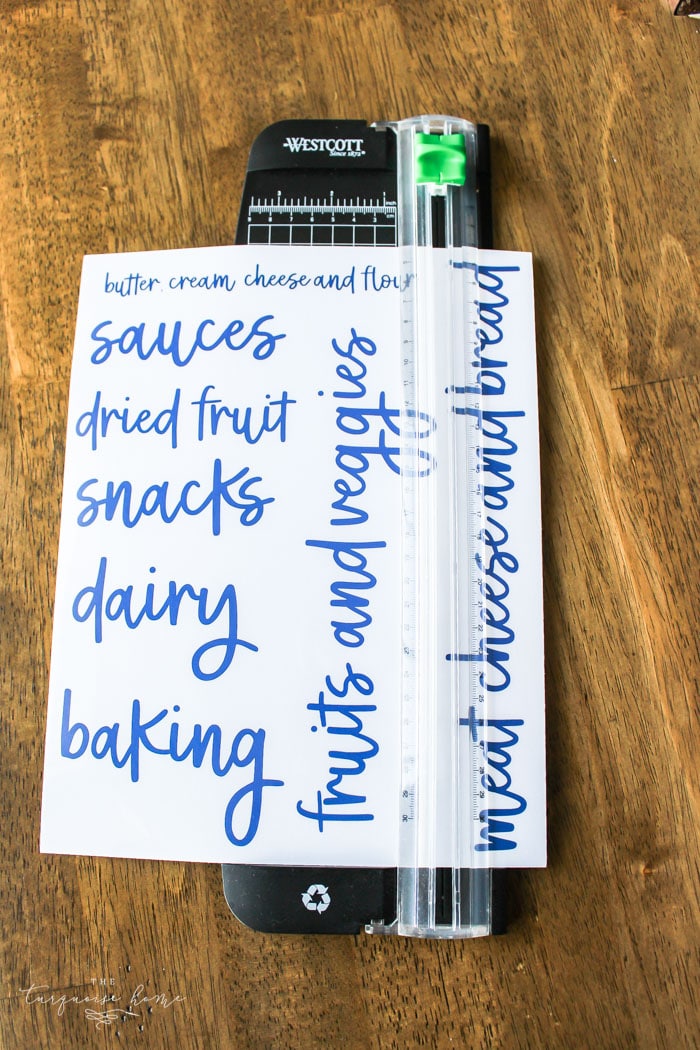
5. Cut out your labels. I used my paper trimmer so the stickers would have straight edges. I didn't trim the extra clear sticker around the words, since it's clear. But you can see it on the bins, so trim it off and make all the sides even if it bothers you.
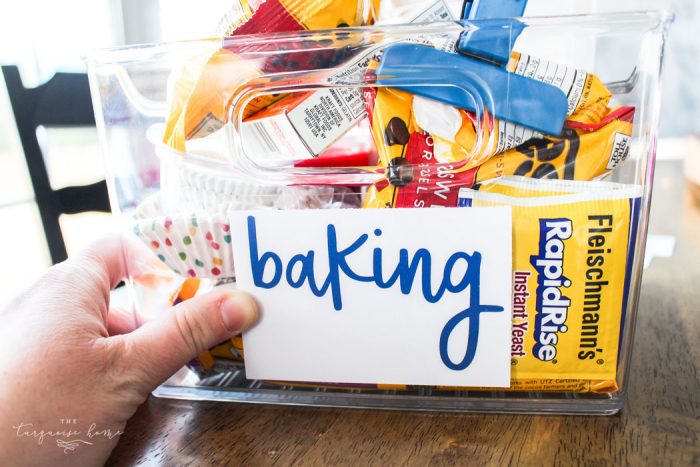
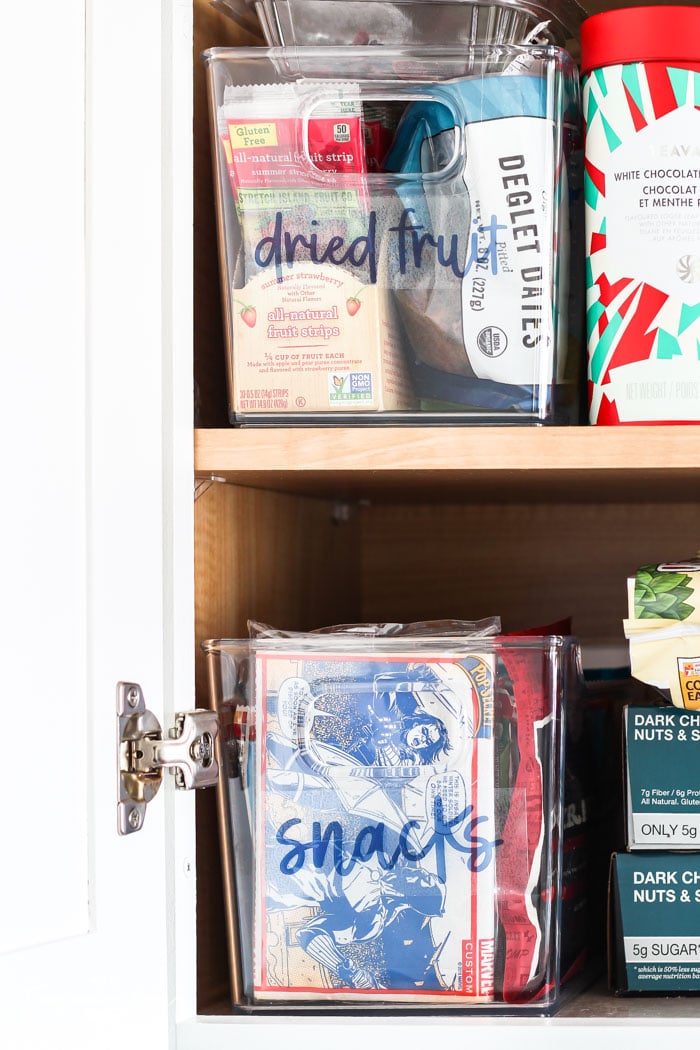
6. Place your labels on your bins. I'll admit I got giddy at this point. I loved how they turned out, and I was so excited that my sorting system might stay in place for the long haul! I've noticed how much easier it is to pack the girls' lunches now that I know exactly where everything is. Why didn't I do this sooner?
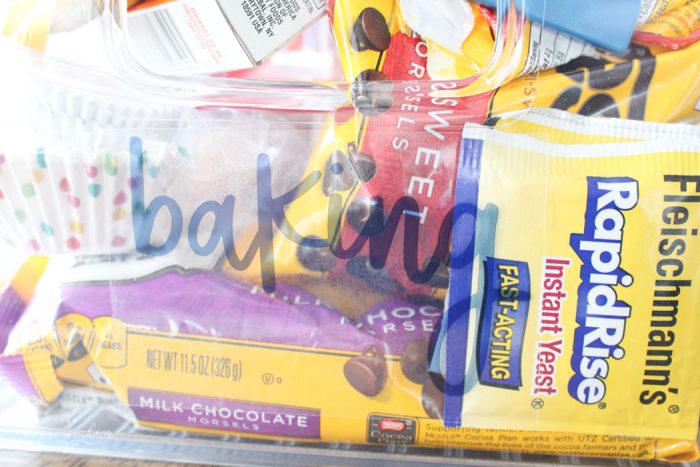
Anyway, I love them and I hope you'll try making some of your own. If you're nervous, there are most likely free printables out there that will fit your needs. Just search on Google or Pinterest!
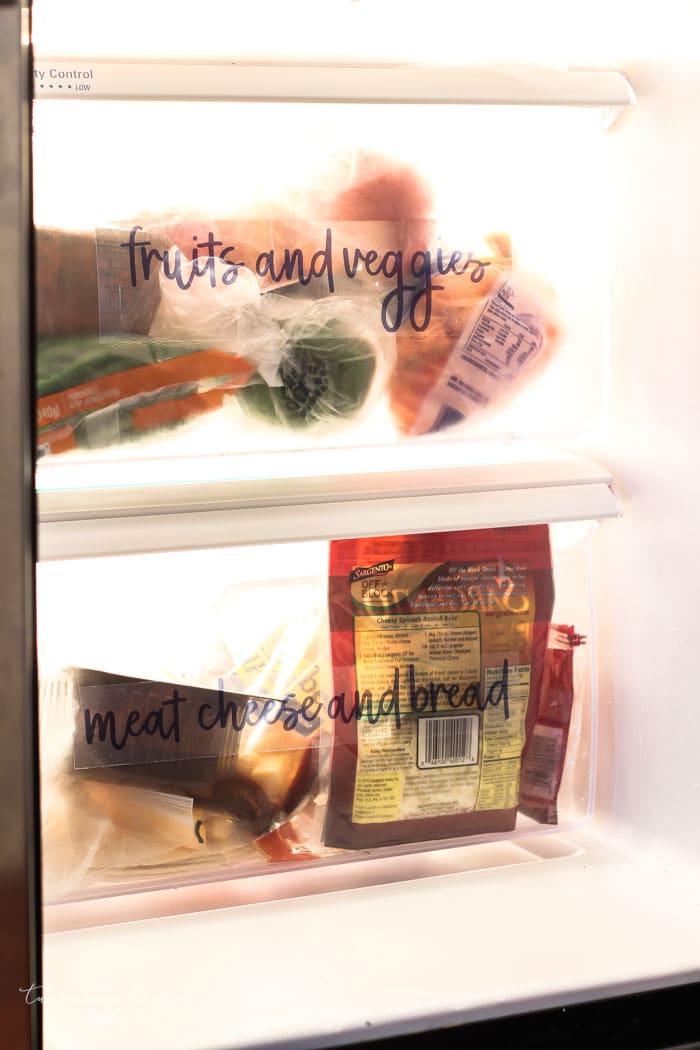
I even labeled the refrigerator drawers, so anyone who comes over can find things quickly and easily. It always throws people off that I keep the meat, cheese and bread in the bottom drawer.
More Label Fun!
Since we're on the topic of labeling, I thought I'd share two more of my favorite kinds of labels!
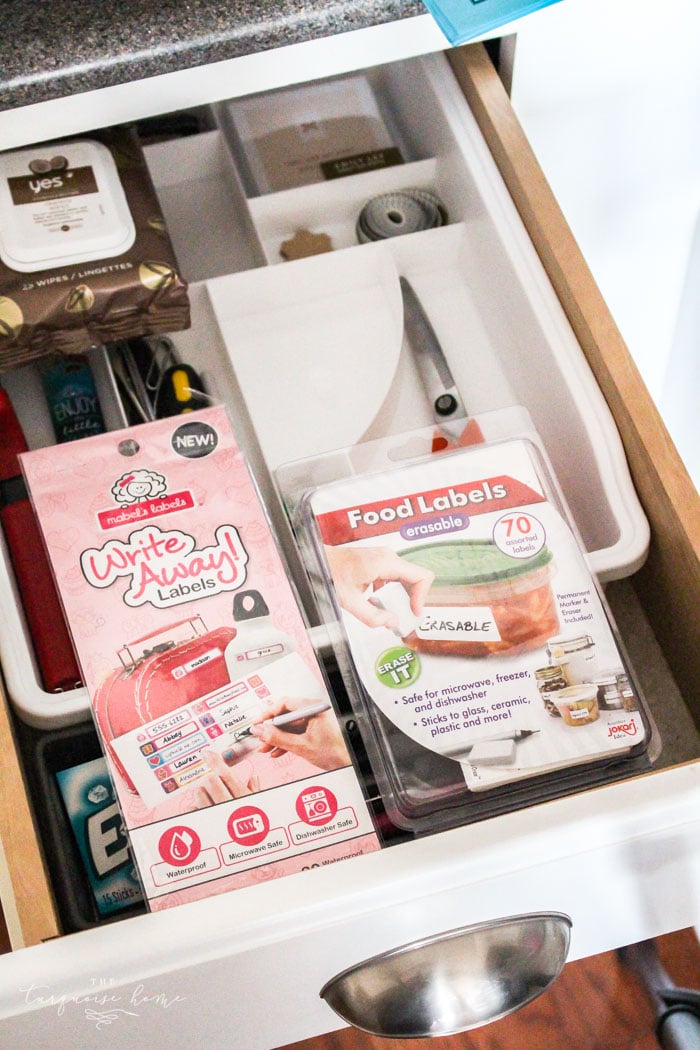
Write Away! Labels – These are perfect for kids' labels. I have to put labels on my kids' drink cups, lunch boxes and all the things. These labels are my absolute favorite! They stay on perfectly through a bajillion dishwasher cycles. I've never had one come off, and we've been using them since the start of the school year.
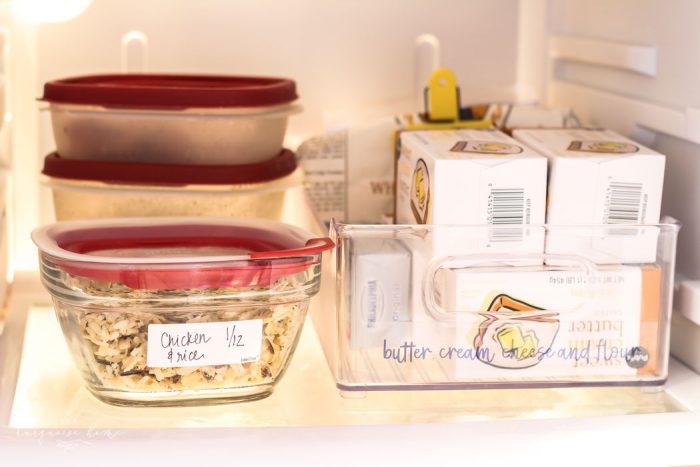
Erasable Food Labels – I love, love, love these for writing dates on leftover containers! They're dishwasher safe, and you can erase them with the eraser that comes in the pack. Now I can quickly see what's still good, what needs to go in the freezer and how long we have to eat the leftovers. We have so much less food waste now. I love them!
Have fun labeling!
The Messy Work: Label anything in your home that would help family members know what goes where! Start in the kitchen and go from there. I have big plans for my label stickers throughout my home. LOL
In the mess with you, Laura